QuodArca
- 500+
- Screens designed
- 6
- Product lines
- 100%
- Custom design system, from scratch
- WCAG 2.1 AA
- Accessibility
About
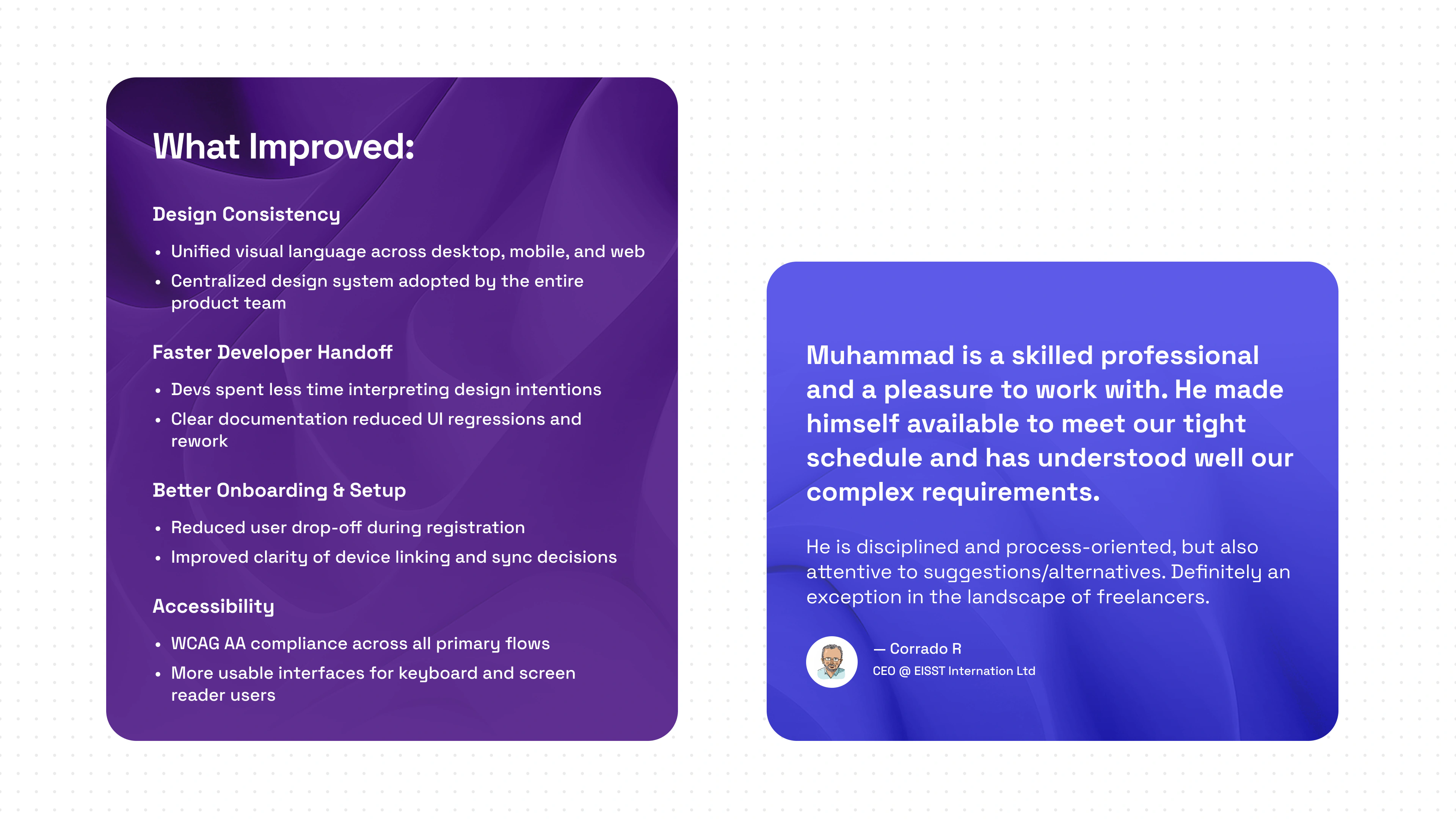
QuodArca is a privacy-first productivity platform
It helps individuals and teams securely manage, sync, and share data across devices, without third-party cloud reliance. With end-to-end encryption, zero-knowledge architecture, and role-based access, users stay fully in control on desktop, mobile, or web.
What I did
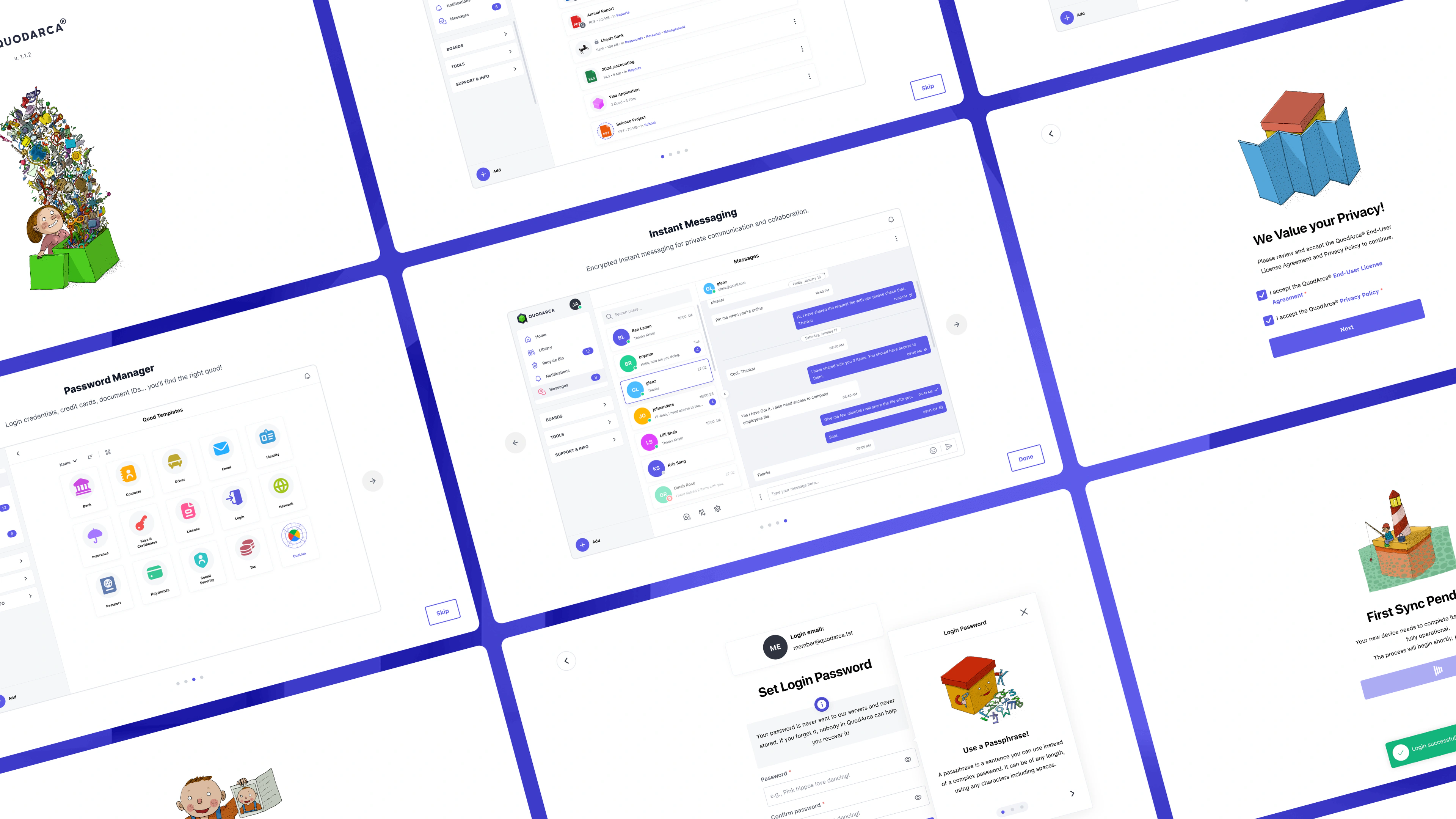
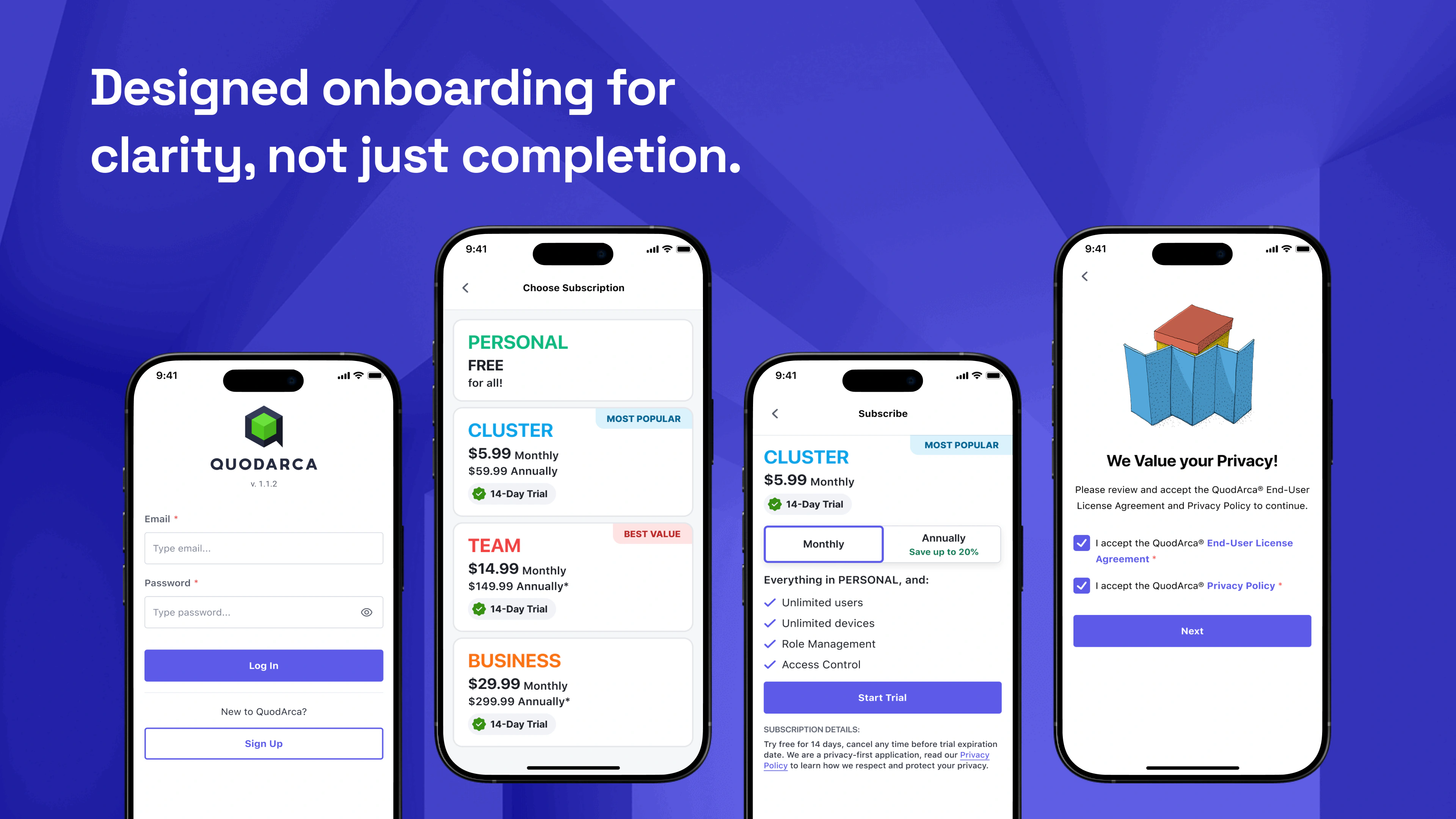
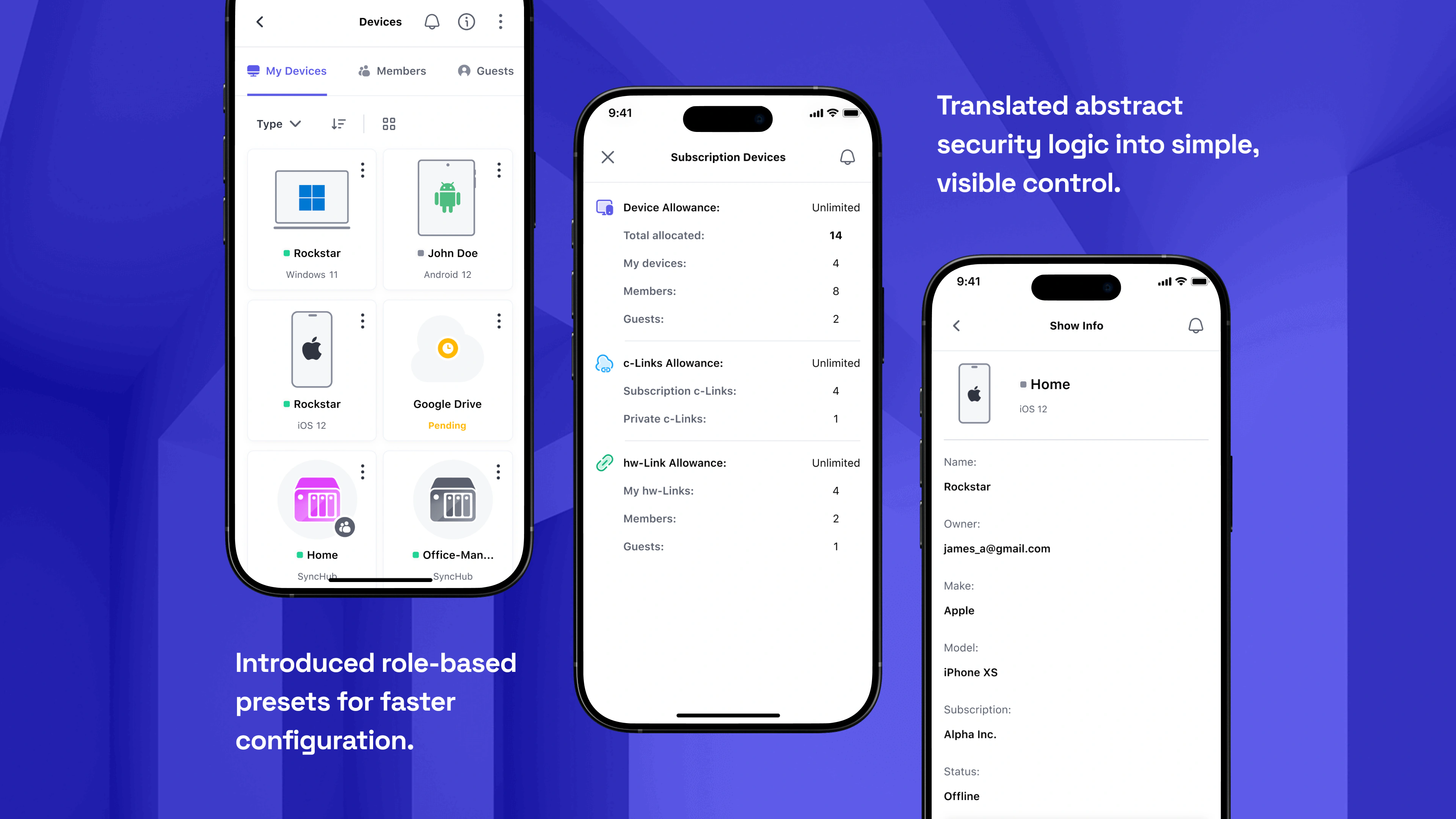
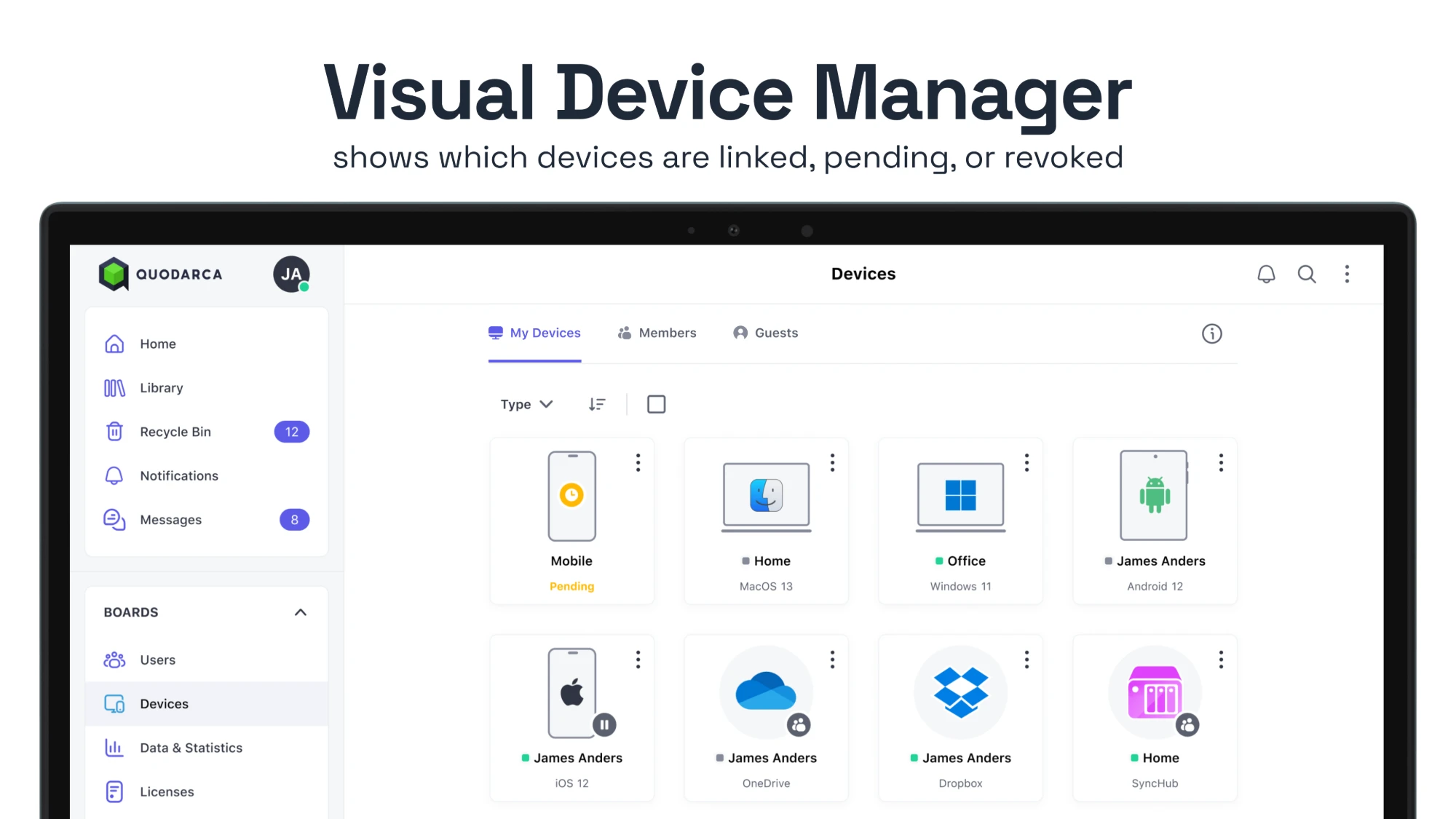
- Designed onboarding, access control, and sync flows across devices.
- Improved accessibility, UI consistency, and user experience through a scalable design system and responsive components.
Initial Thoughts
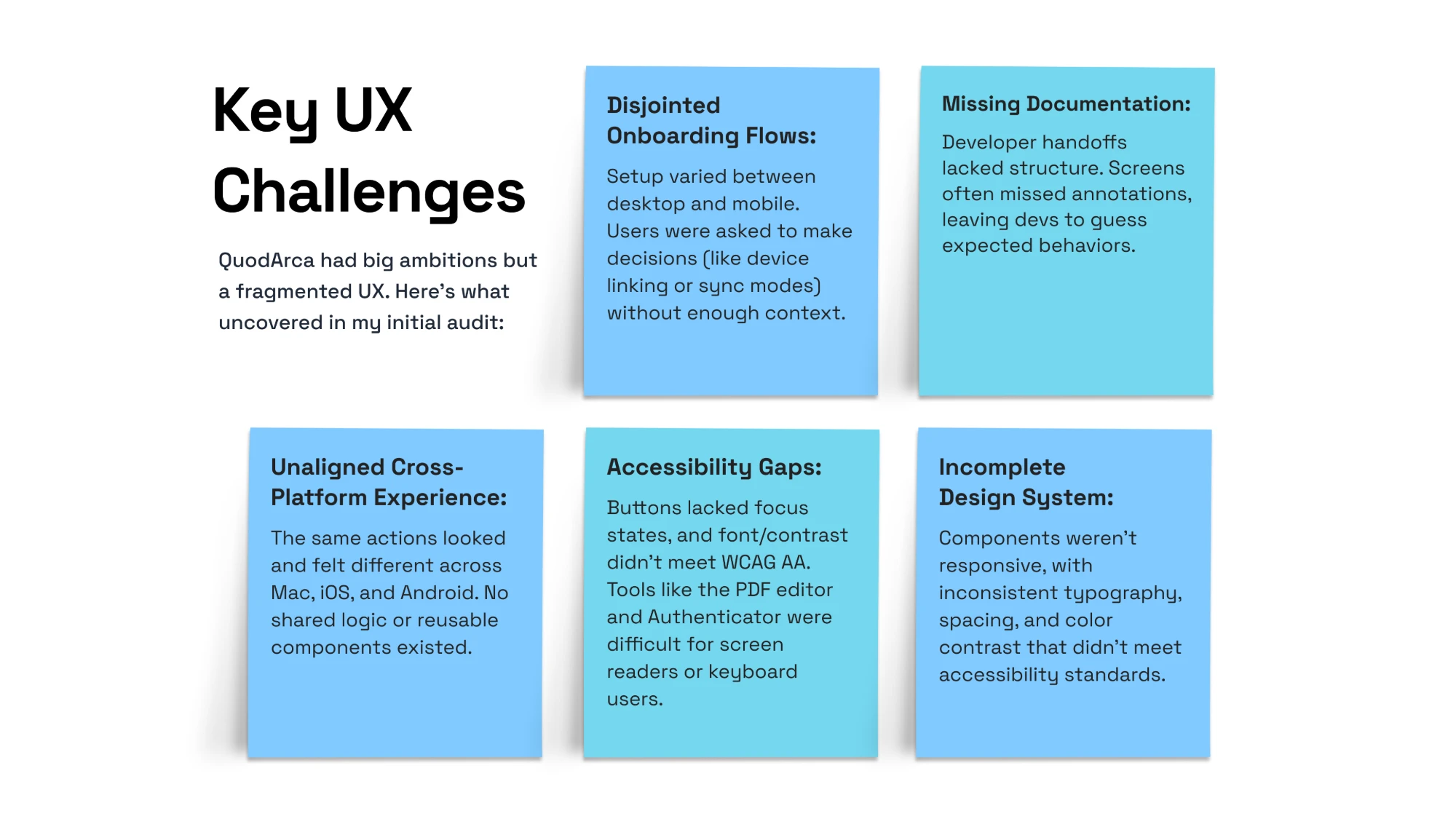
When I started working with QuodArca, the product was halfway done, partly functional, but far from cohesive.
It had a strong foundation: a privacy-first productivity suite where users controlled their data, not some third-party server. But the experience felt disjointed. The design system was only partially defined, flows were inconsistent, accessibility was an afterthought, and new features were being layered on without a clear structure.
My role as the Lead UX/UI Designer was to bring clarity to the chaos. I wasn't just designing screens, I was stitching together an entire ecosystem:
- Desktop, web, and mobile apps
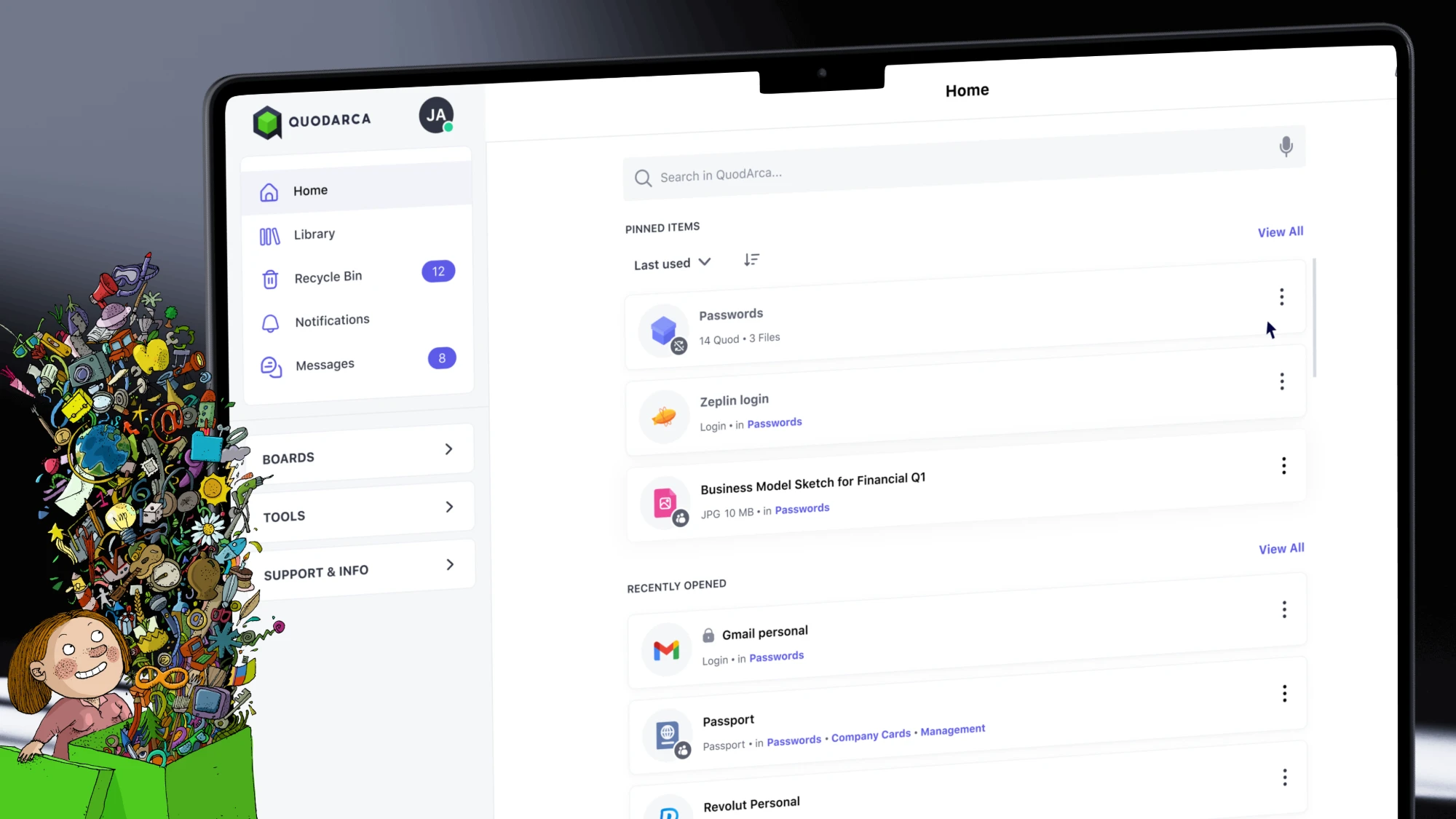
- Core flows like onboarding, syncing, and file management
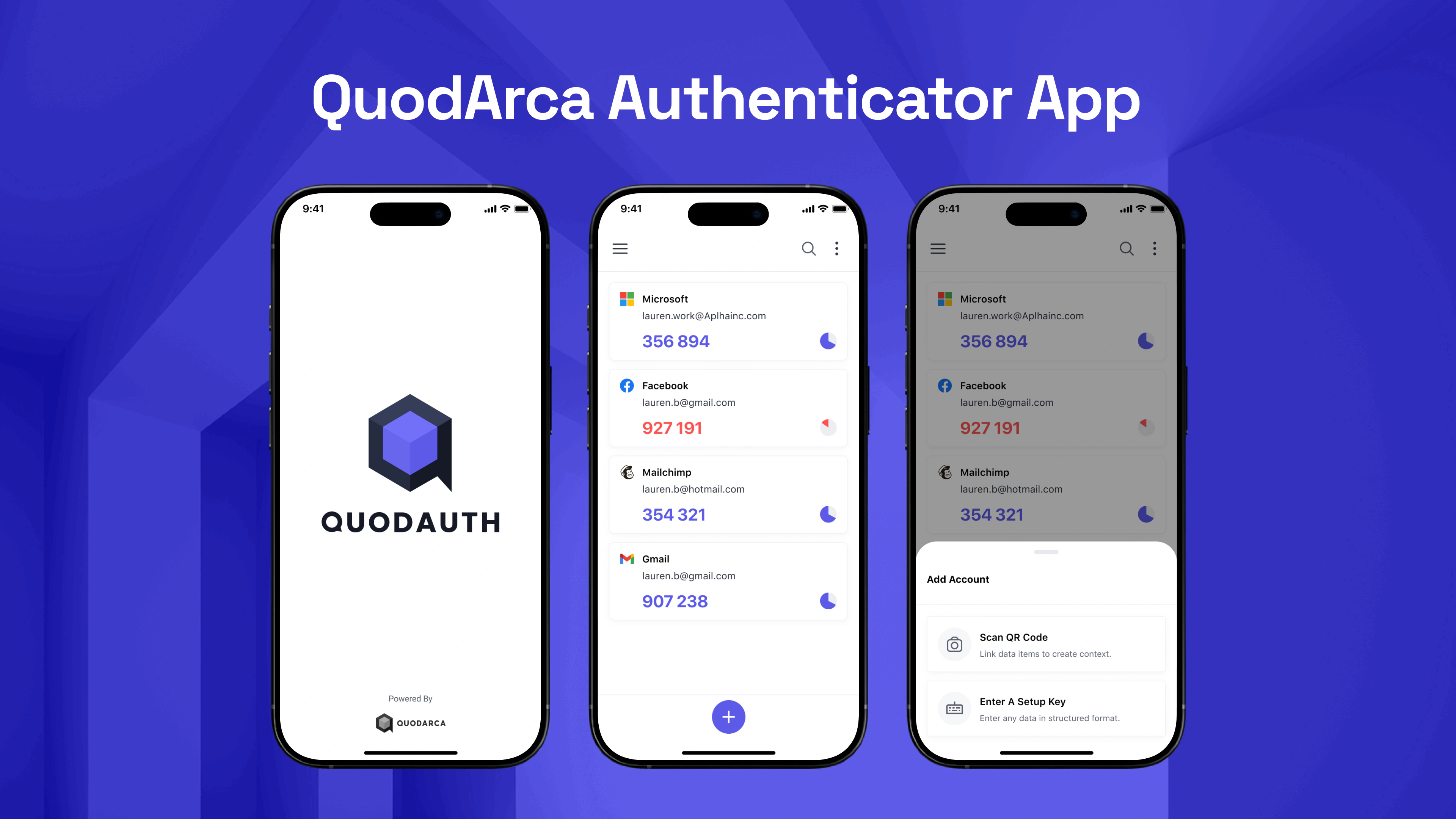
- System tools like the authenticator app, PDF editor, and installer wizard
- A flexible design system that worked across all of it
Strategy & Approach
I didn't start by designing screens.I started by asking questions.
- What do users expect from a privacy-first app?
- What breaks their trust? What slows them down?
- And how can we design something technically advanced, but human-friendly?
To fix the product experience, I needed to work at both ends: big-picture systems thinking and detail-level usability. My approach:
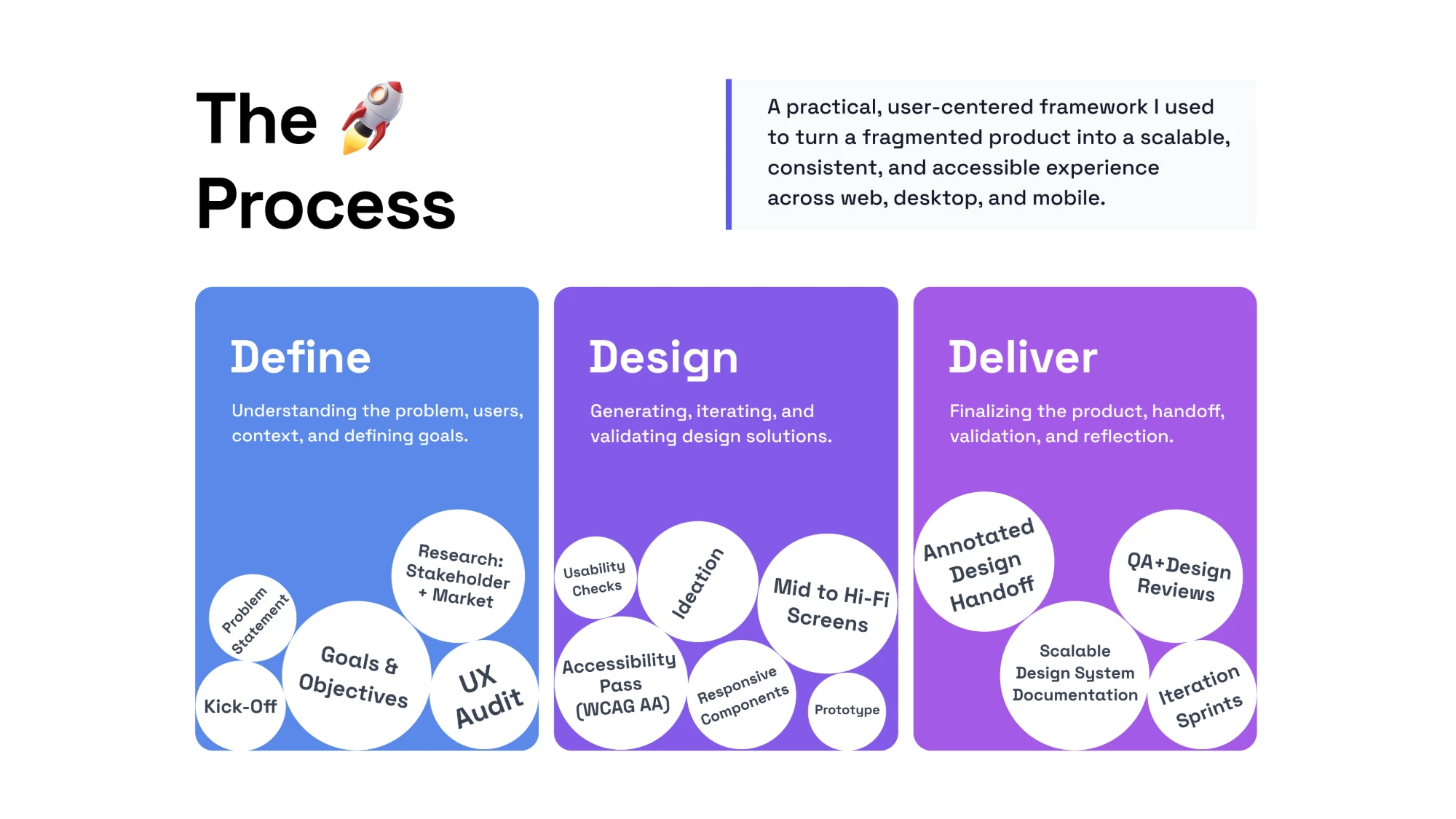
- Audit First, Design Later
- Rebuild the Design System
- Align with Dev & QA
- Think Across Devices
Design system views
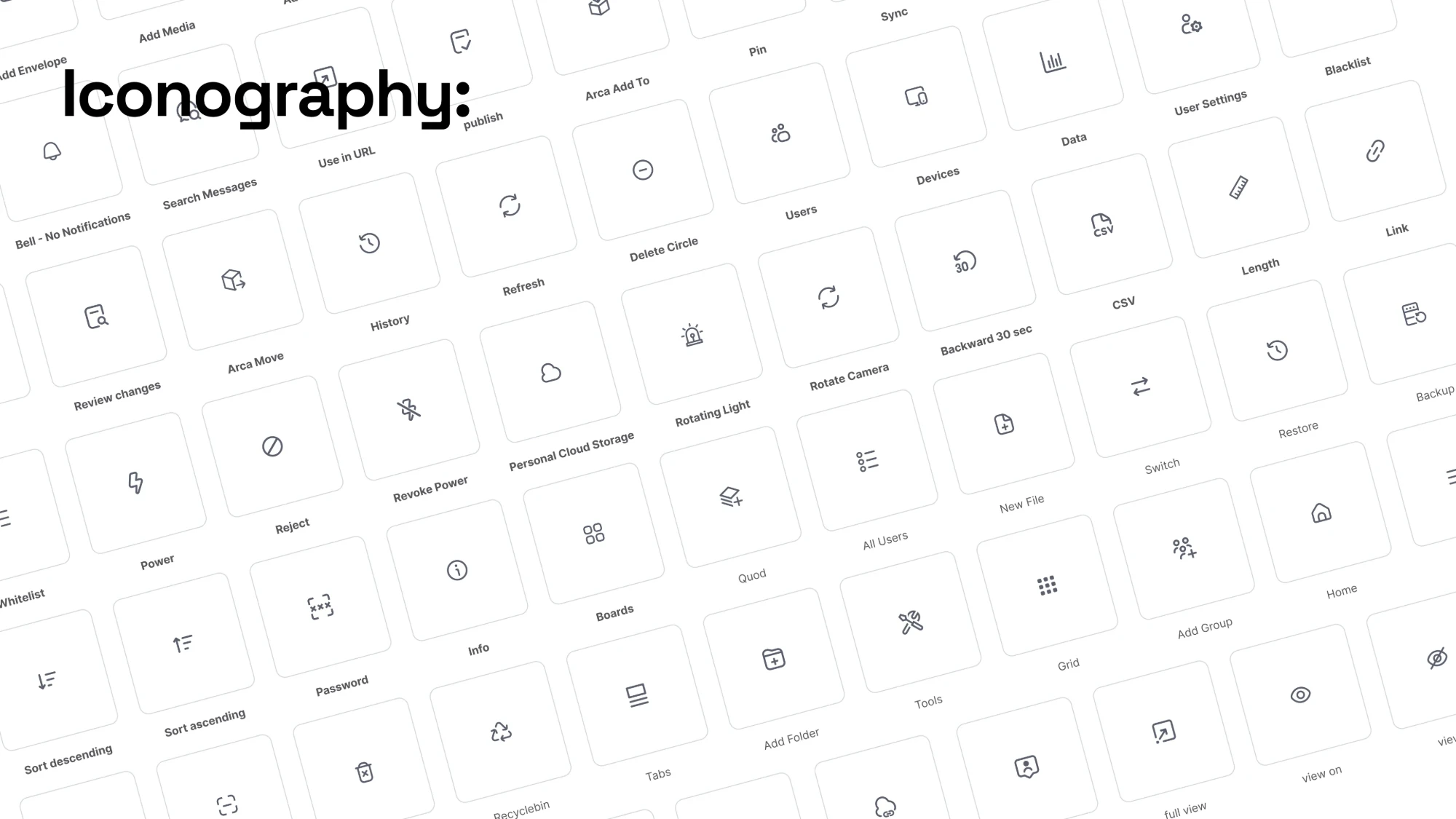
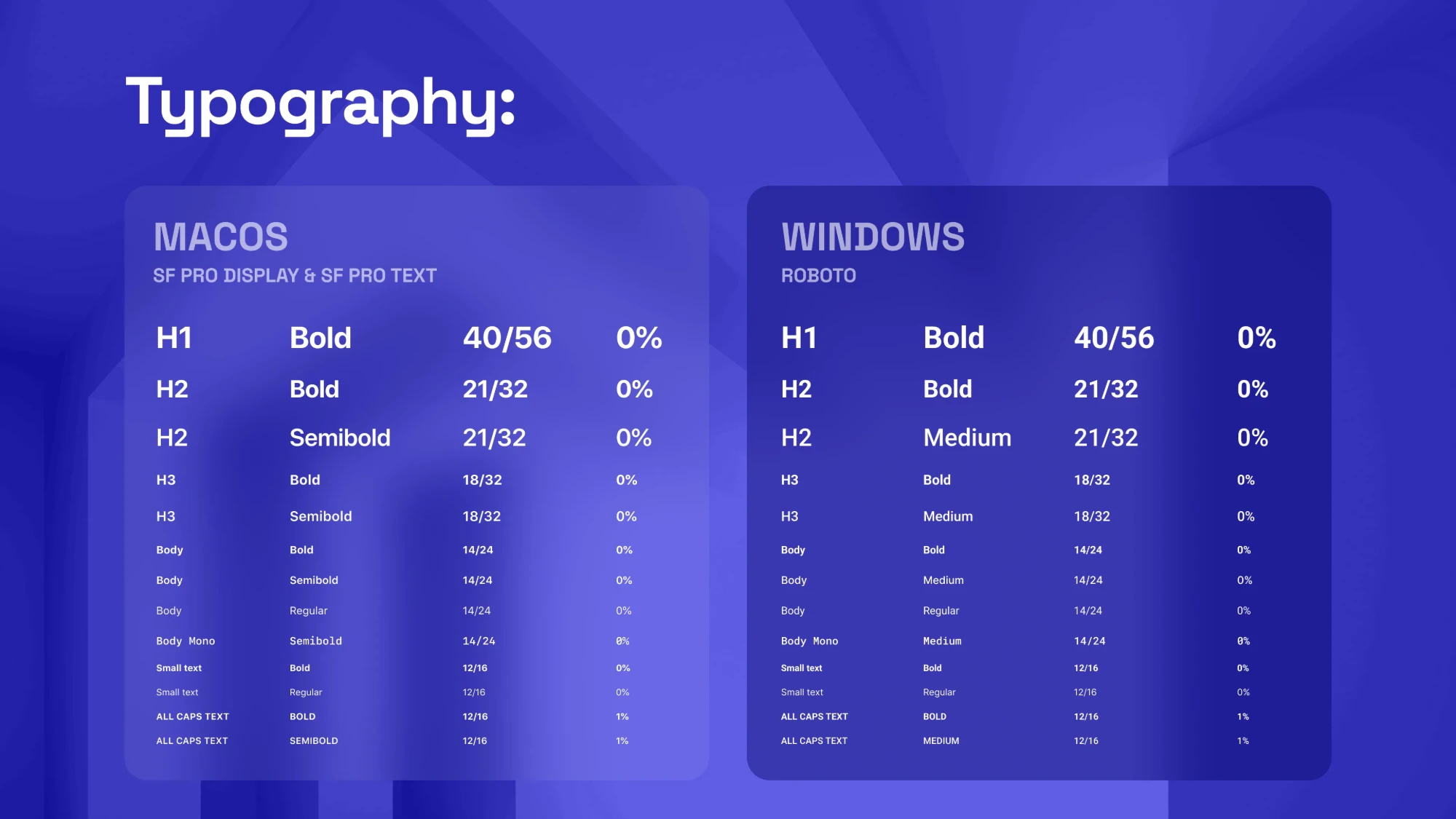
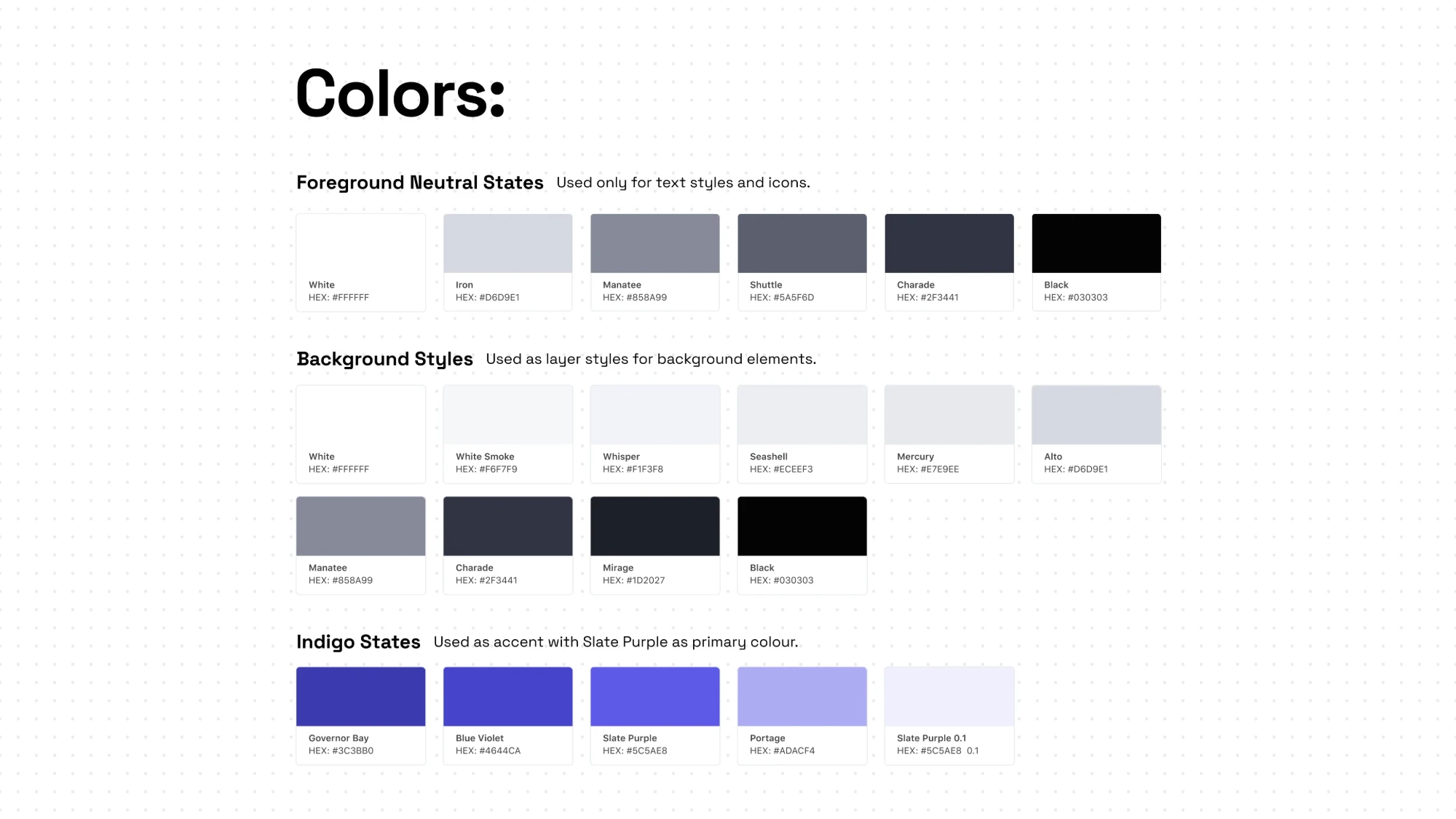
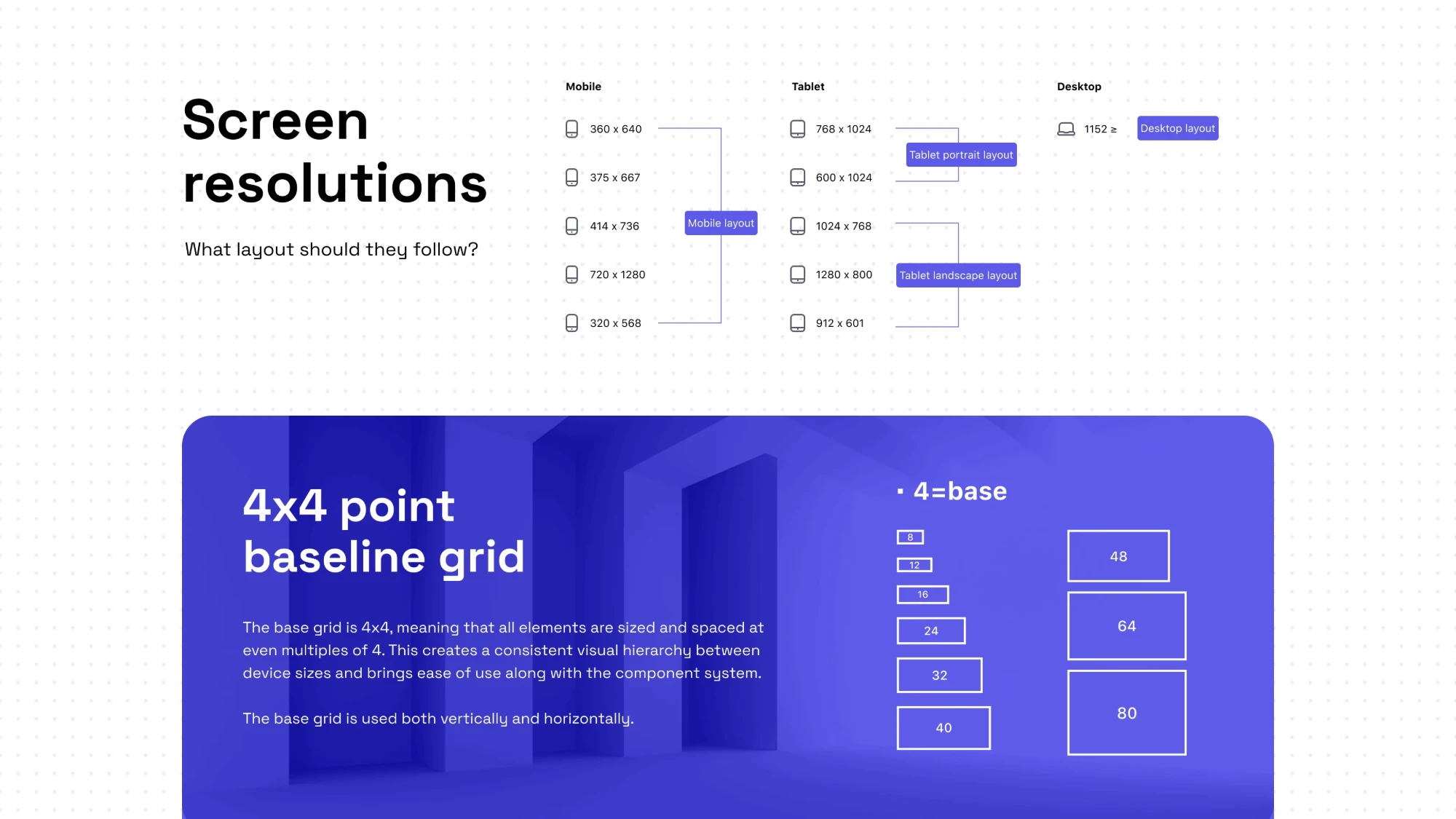
The foundations of the UI kit: iconography, typography on macOS and Windows, colour, screen resolutions with the 4 point baseline grid, and the library layout.
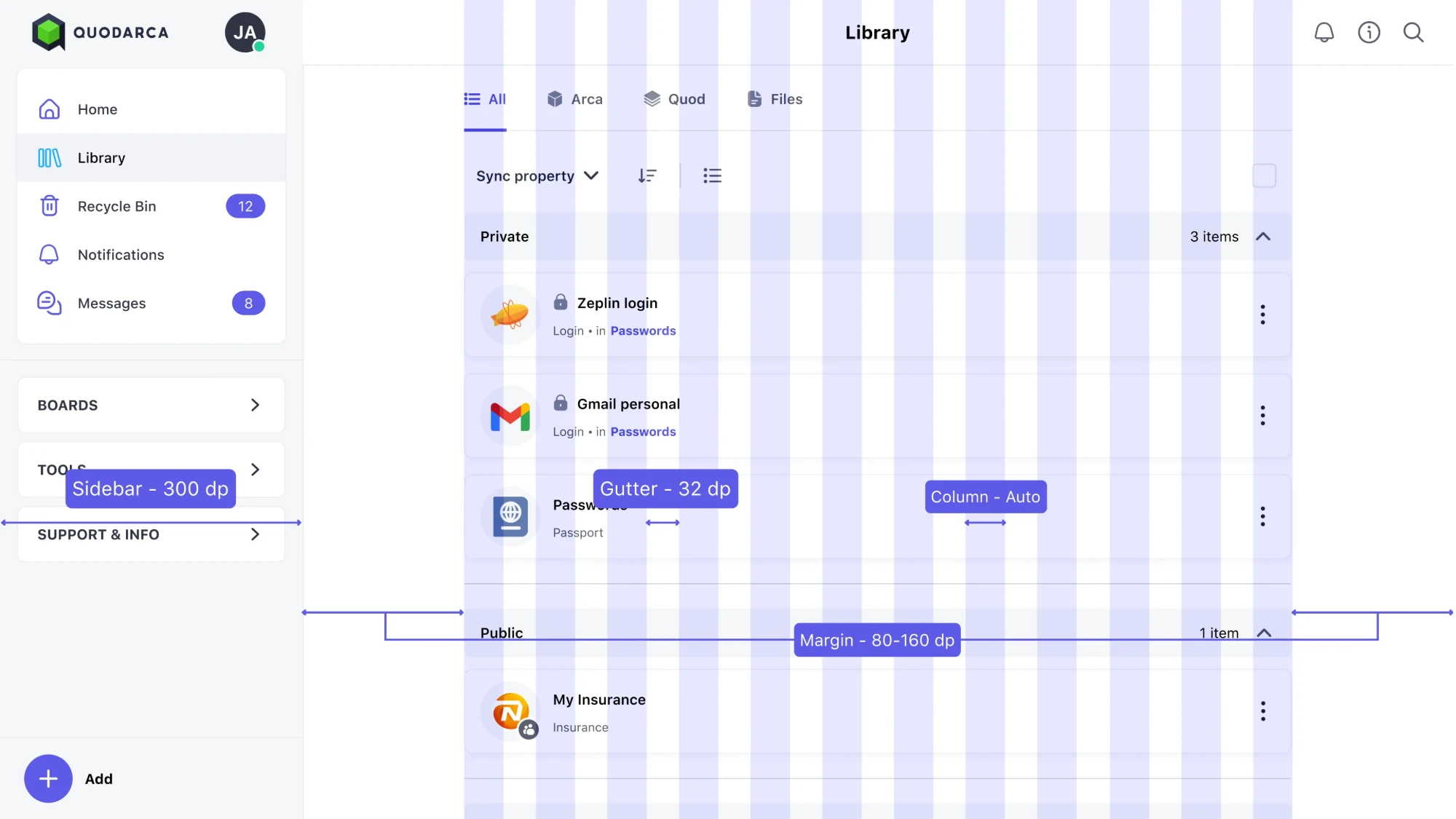
View 1 of 5: QuodArca iconography

Product views
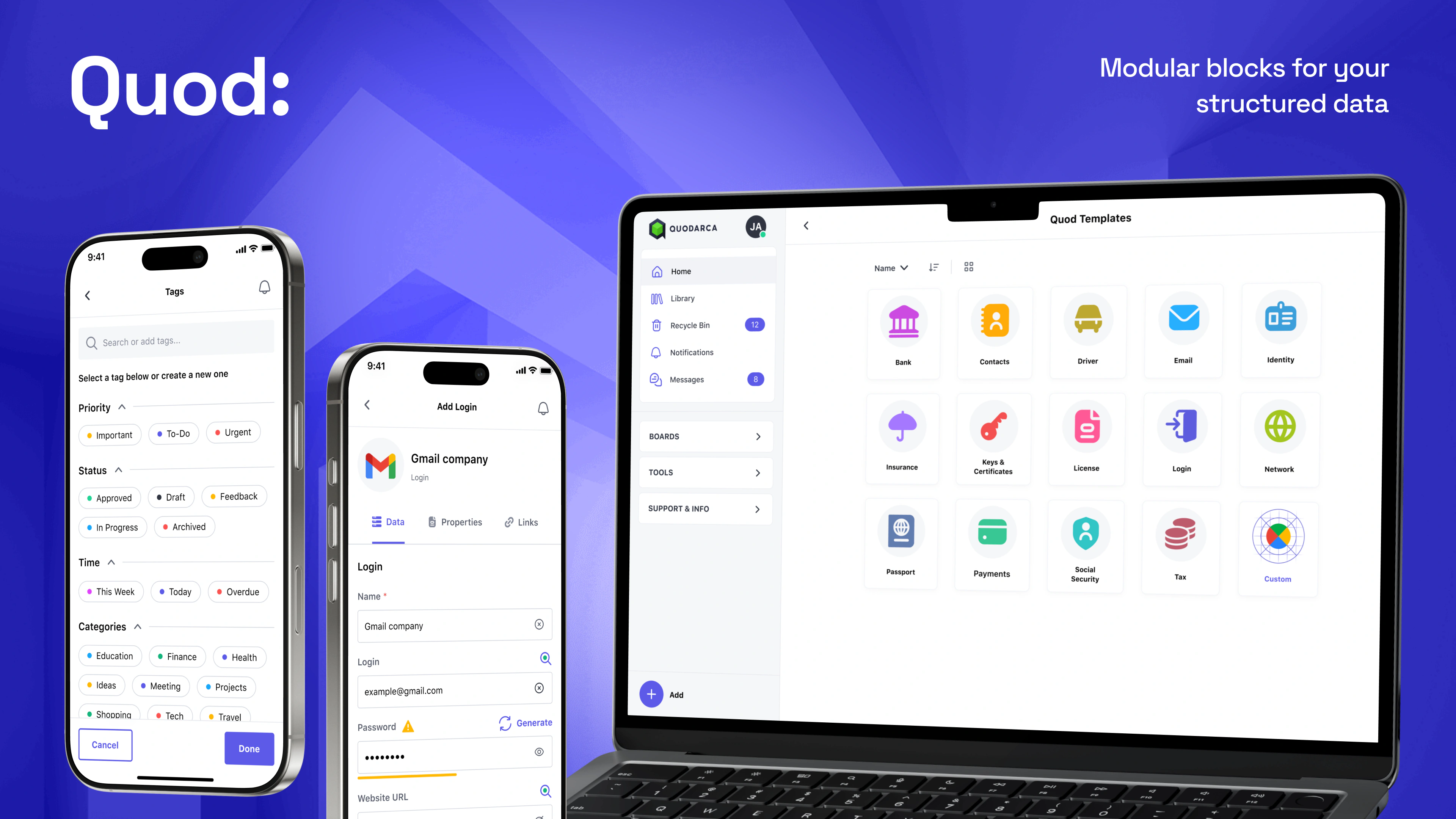
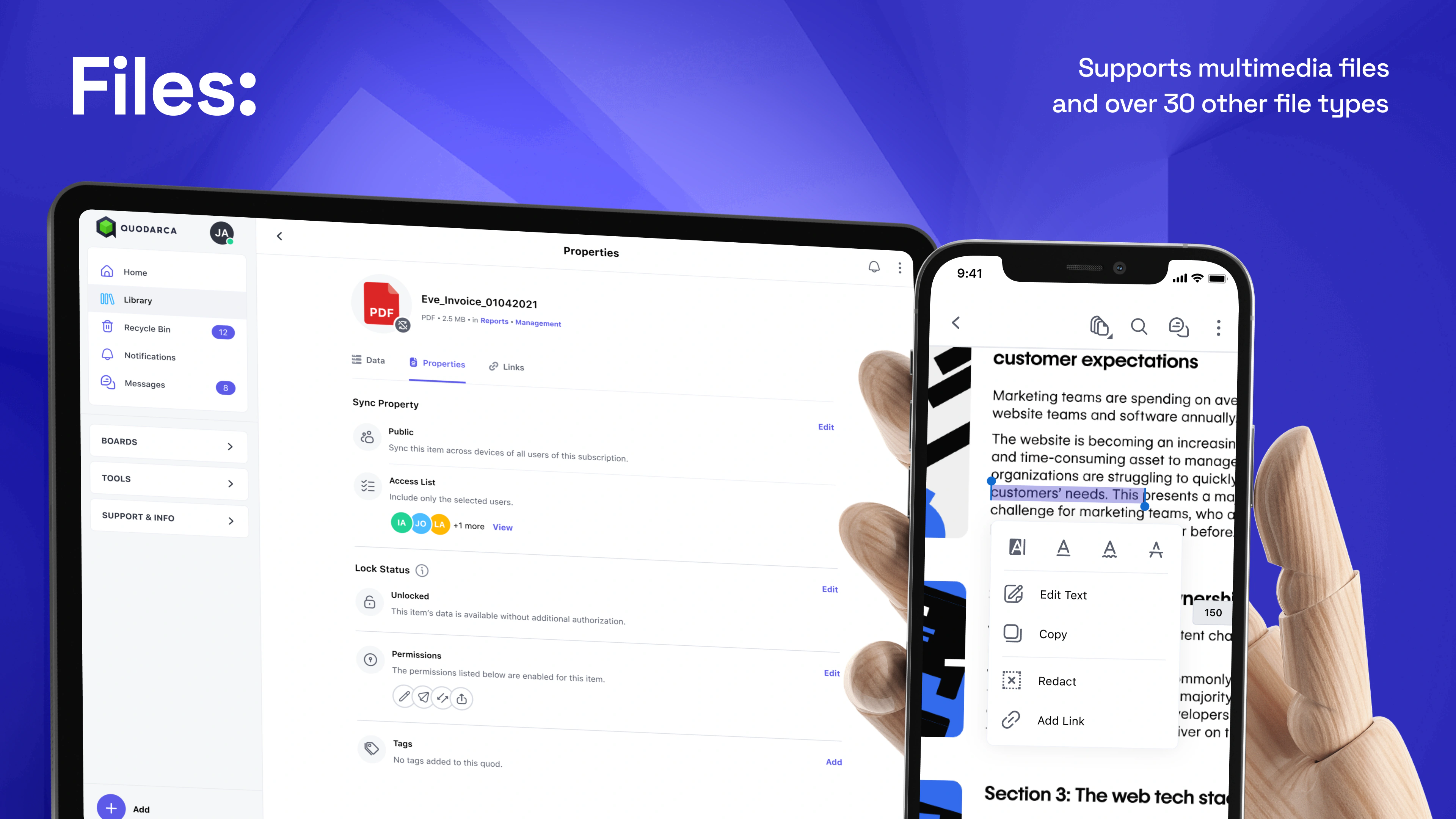
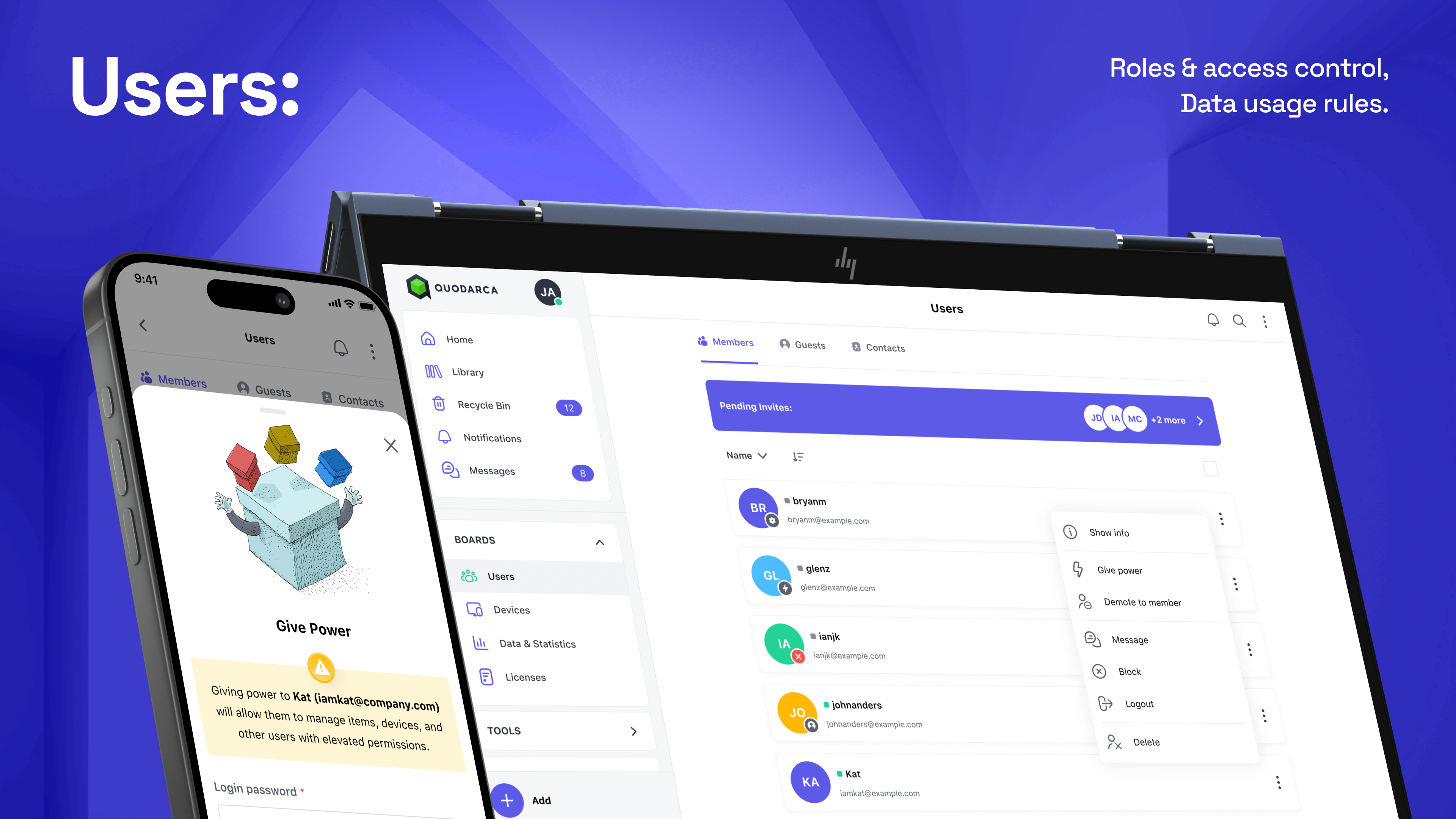
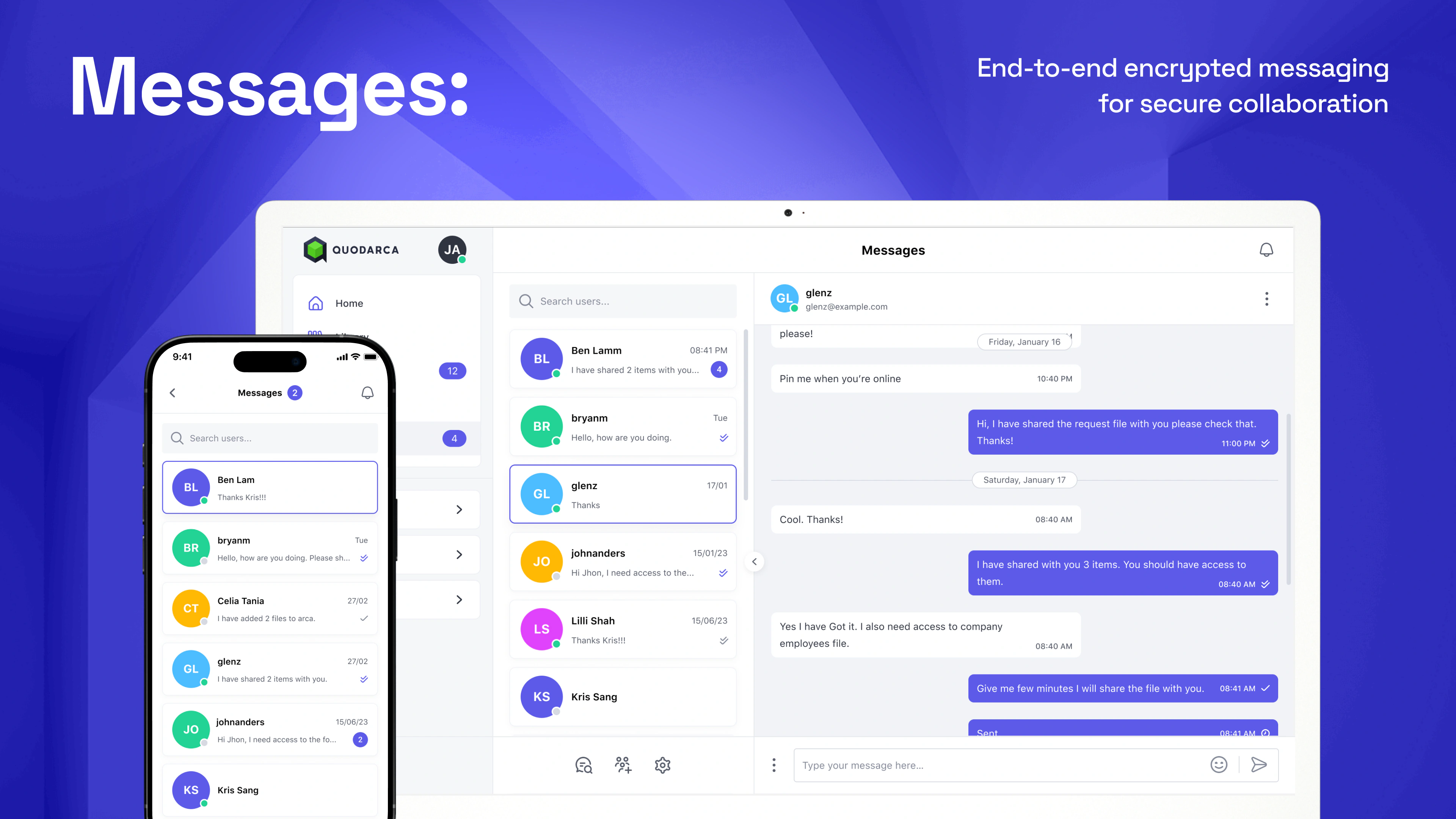
Five areas of the product: Arca, Quod, Files, Users and Messages.
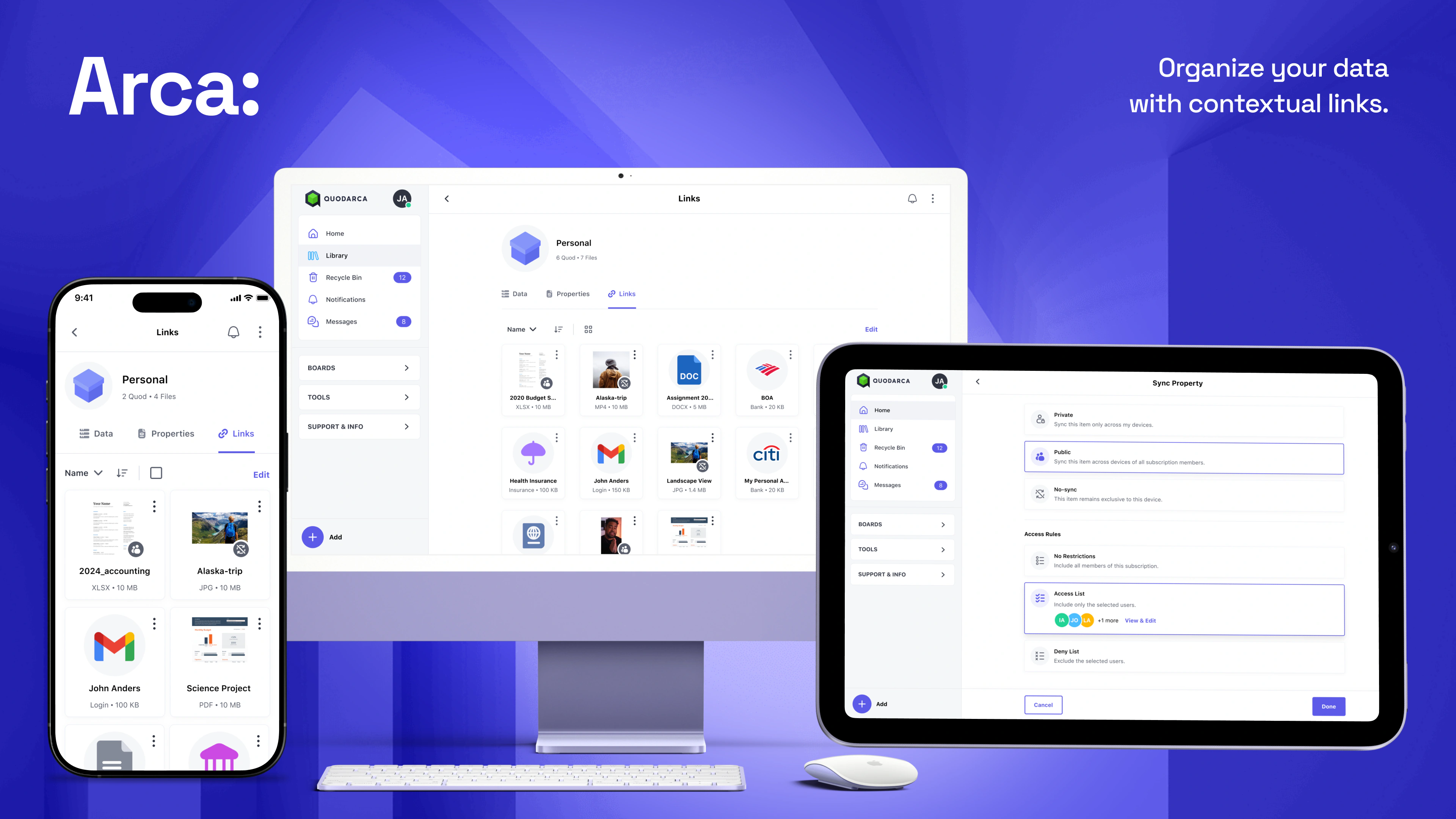
View 1 of 5: Arca: organize your data with contextual links