← All work

Pumba

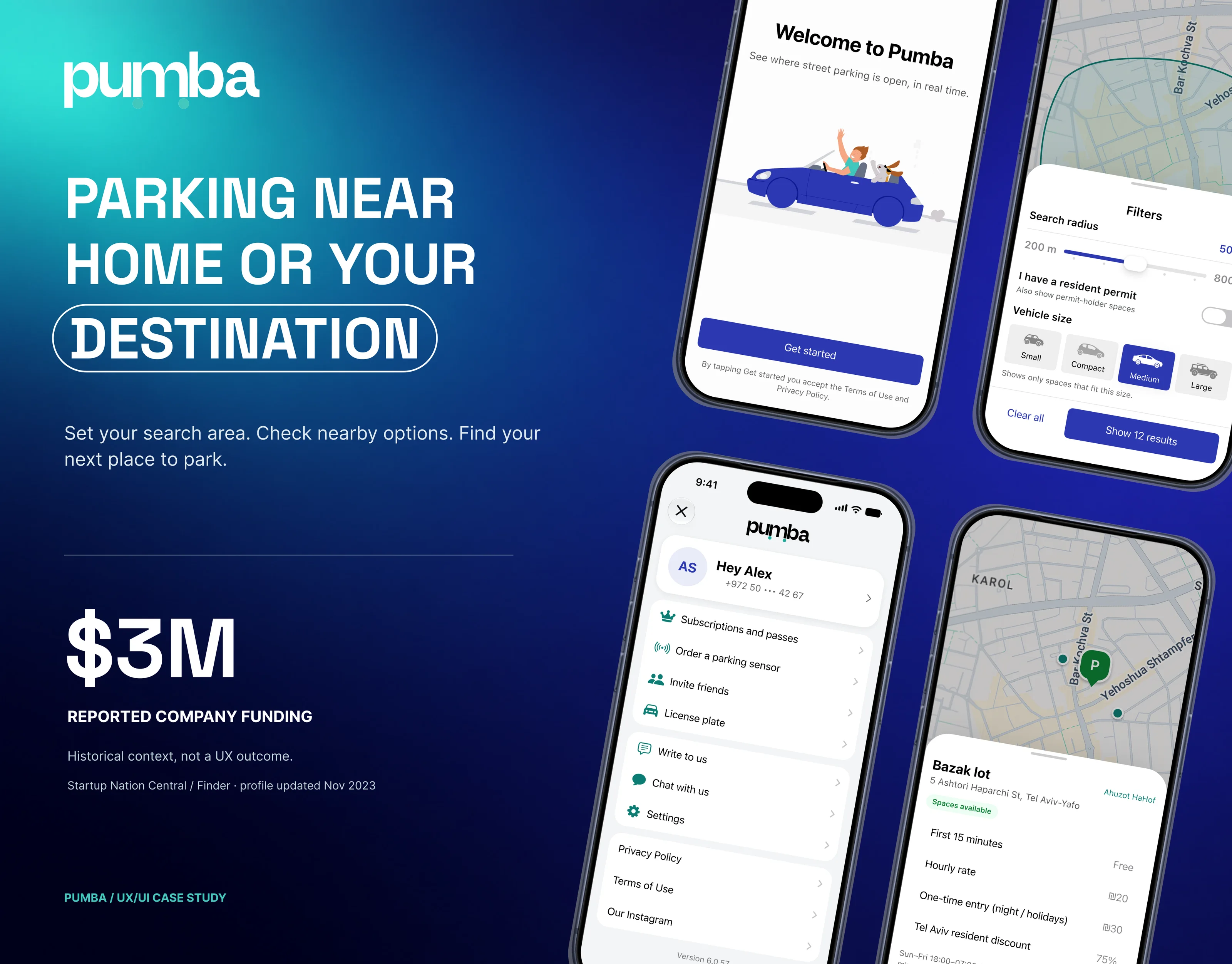
$3M
Reported company funding
20K+
Downloads
RTL
Hebrew reading direction
iOS
Native interface patterns
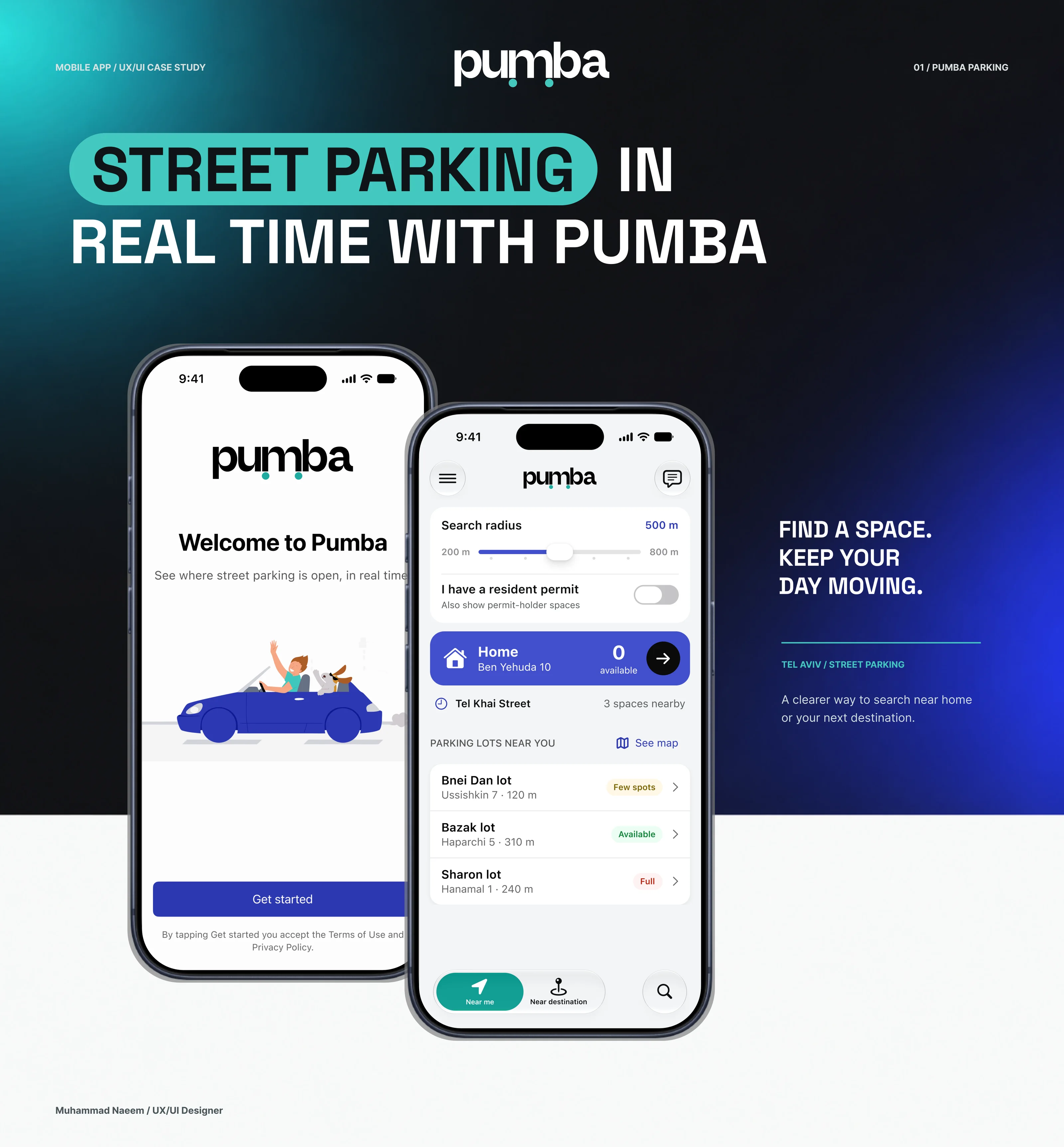
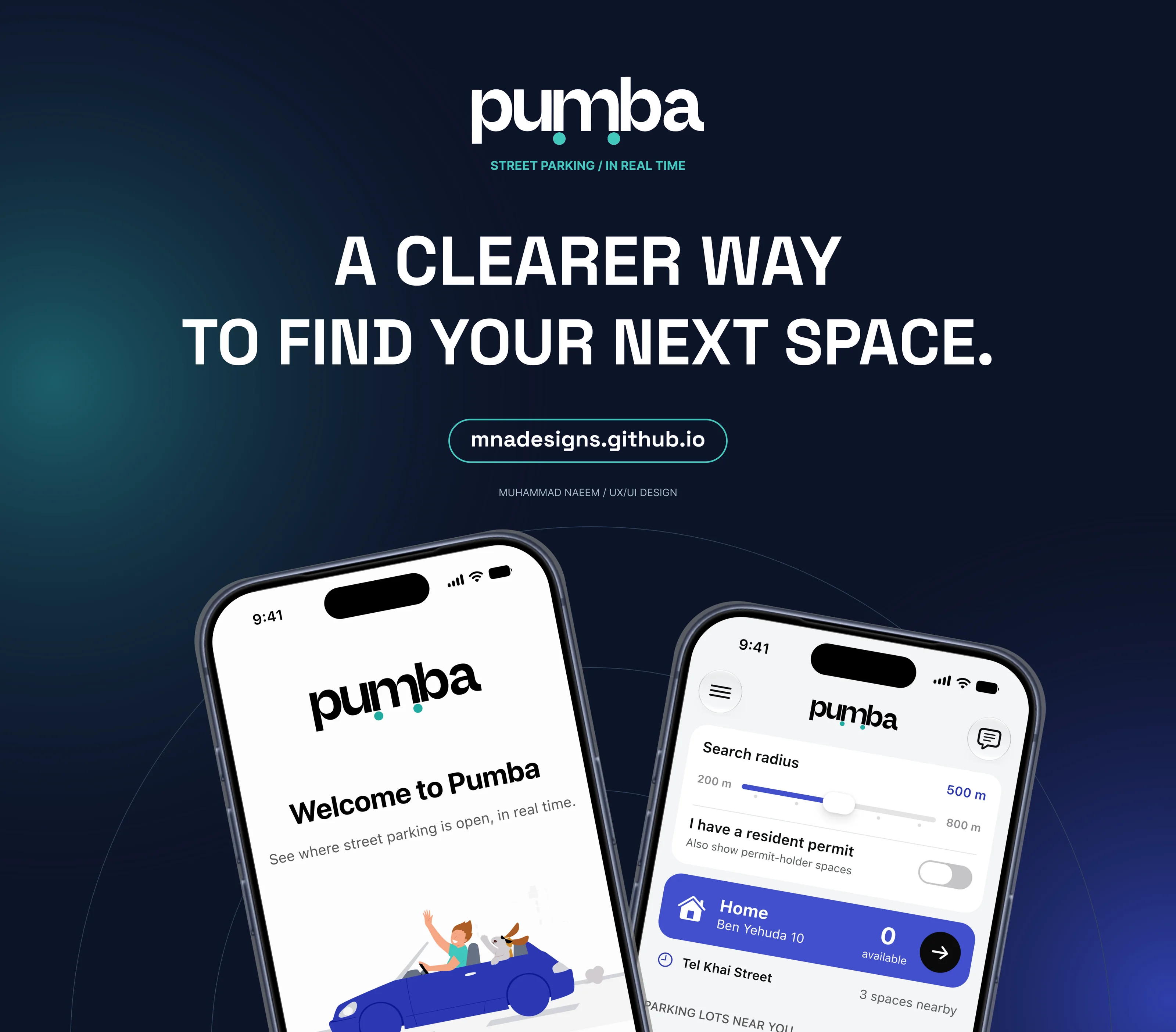
Pumba, street parking in real time: the welcome and home screens on two phones
Parking near home or your destination: the app screens, and the reported company funding of $3M as historical context
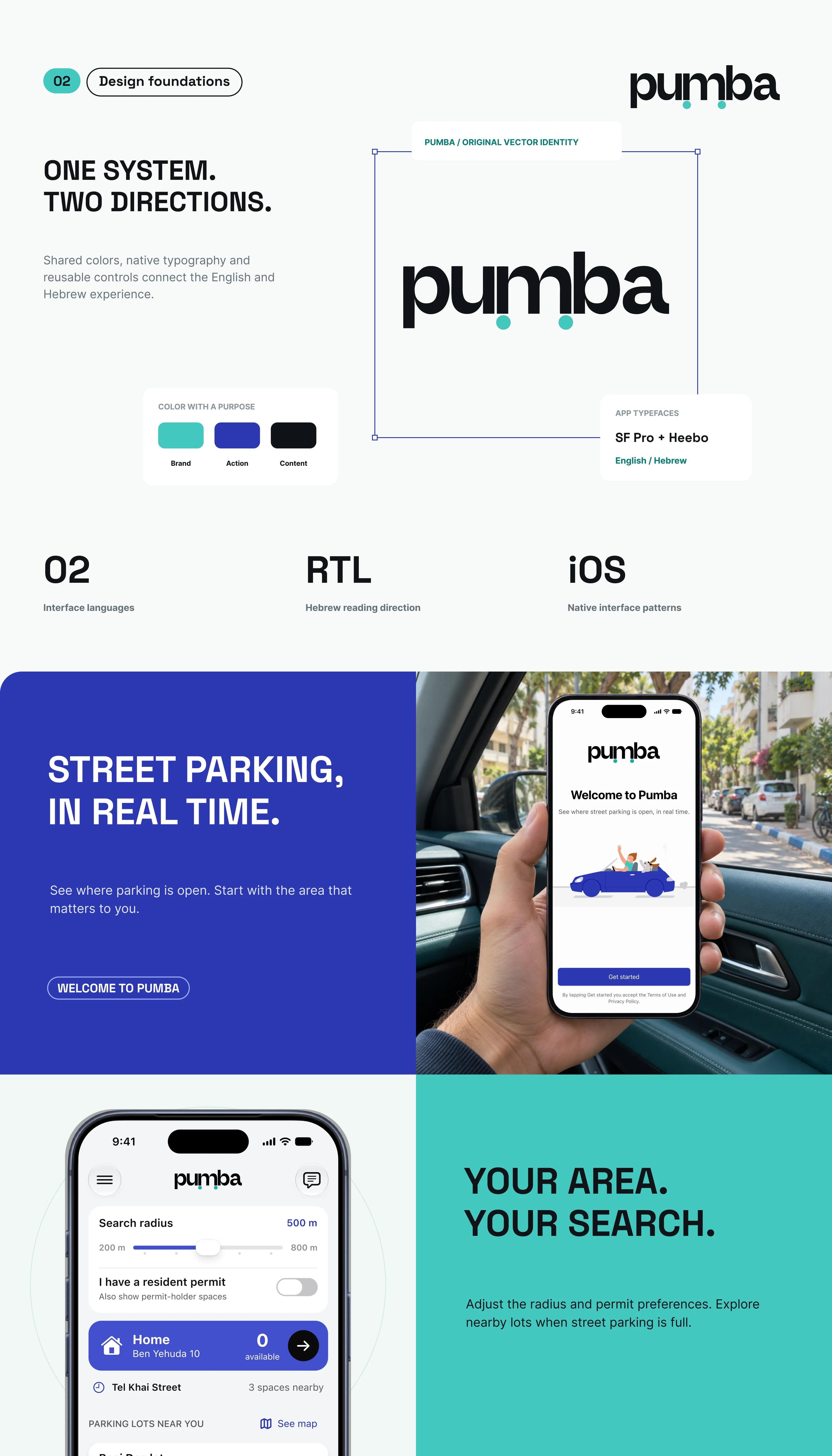
Design foundations: the logo, three colours, SF Pro and Heebo, two interface languages and right to left layout
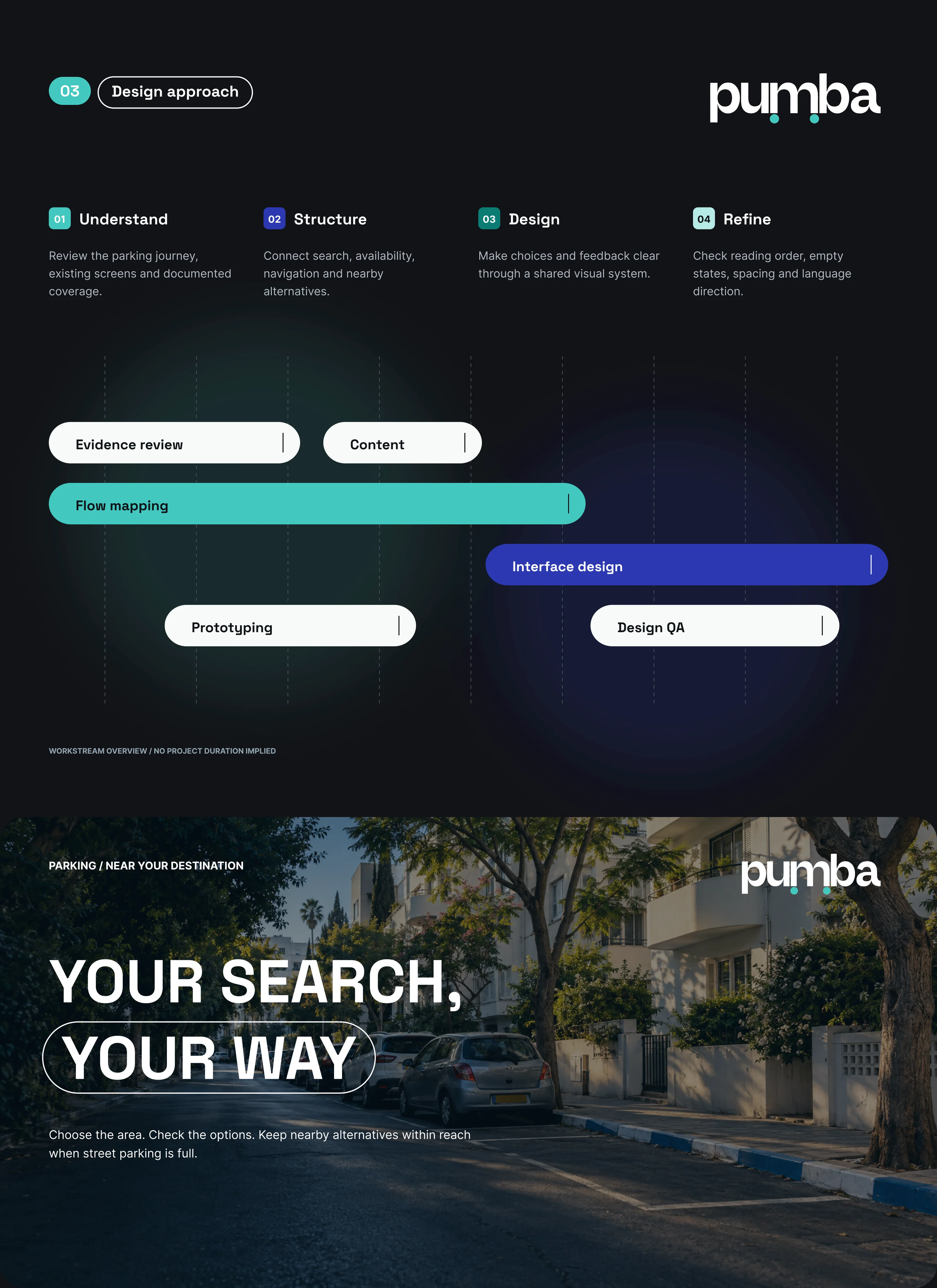
Design approach: understand, structure, design and refine, with the workstreams
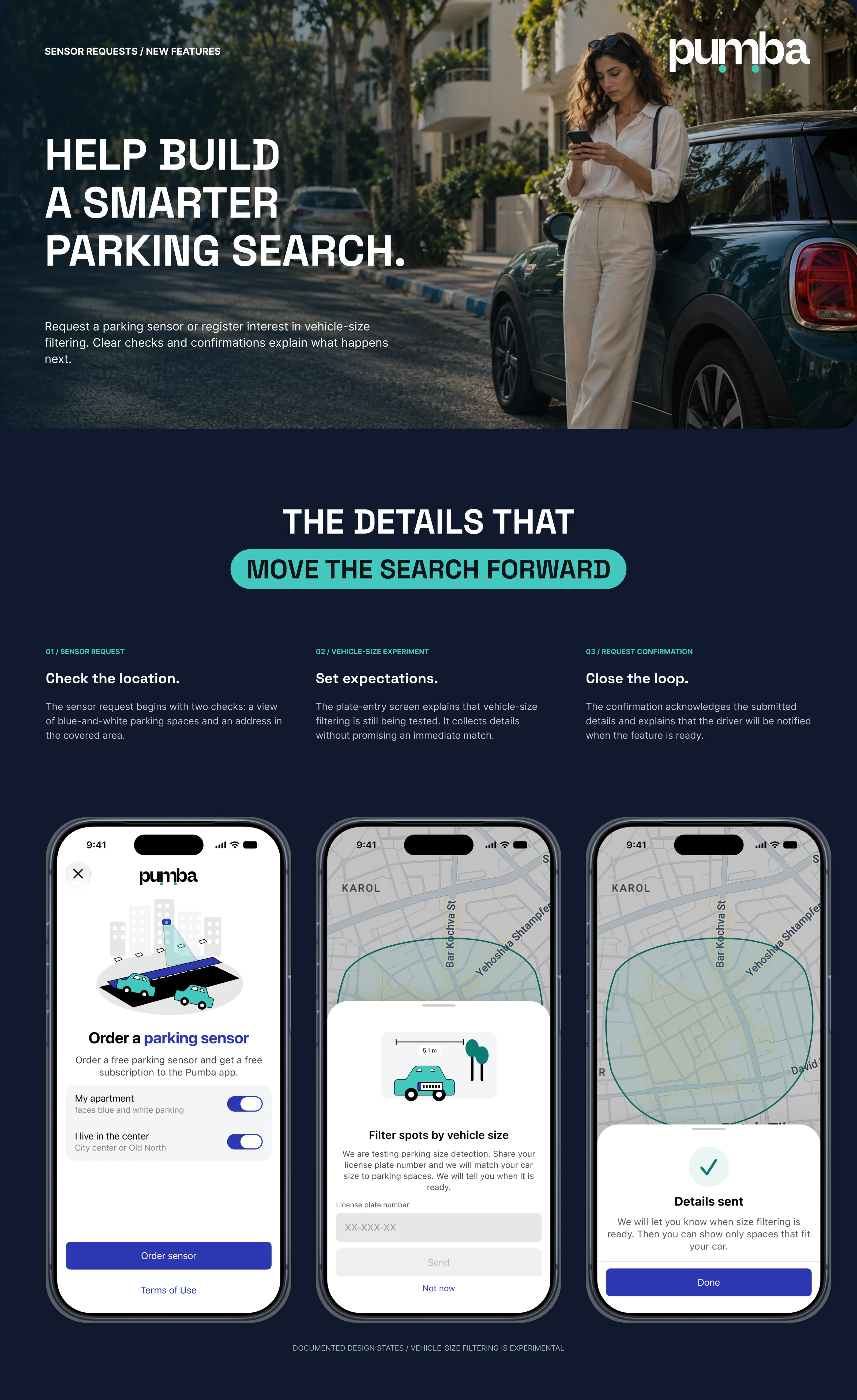
Sensor requests and new features: ordering a parking sensor, the vehicle size experiment and the confirmation
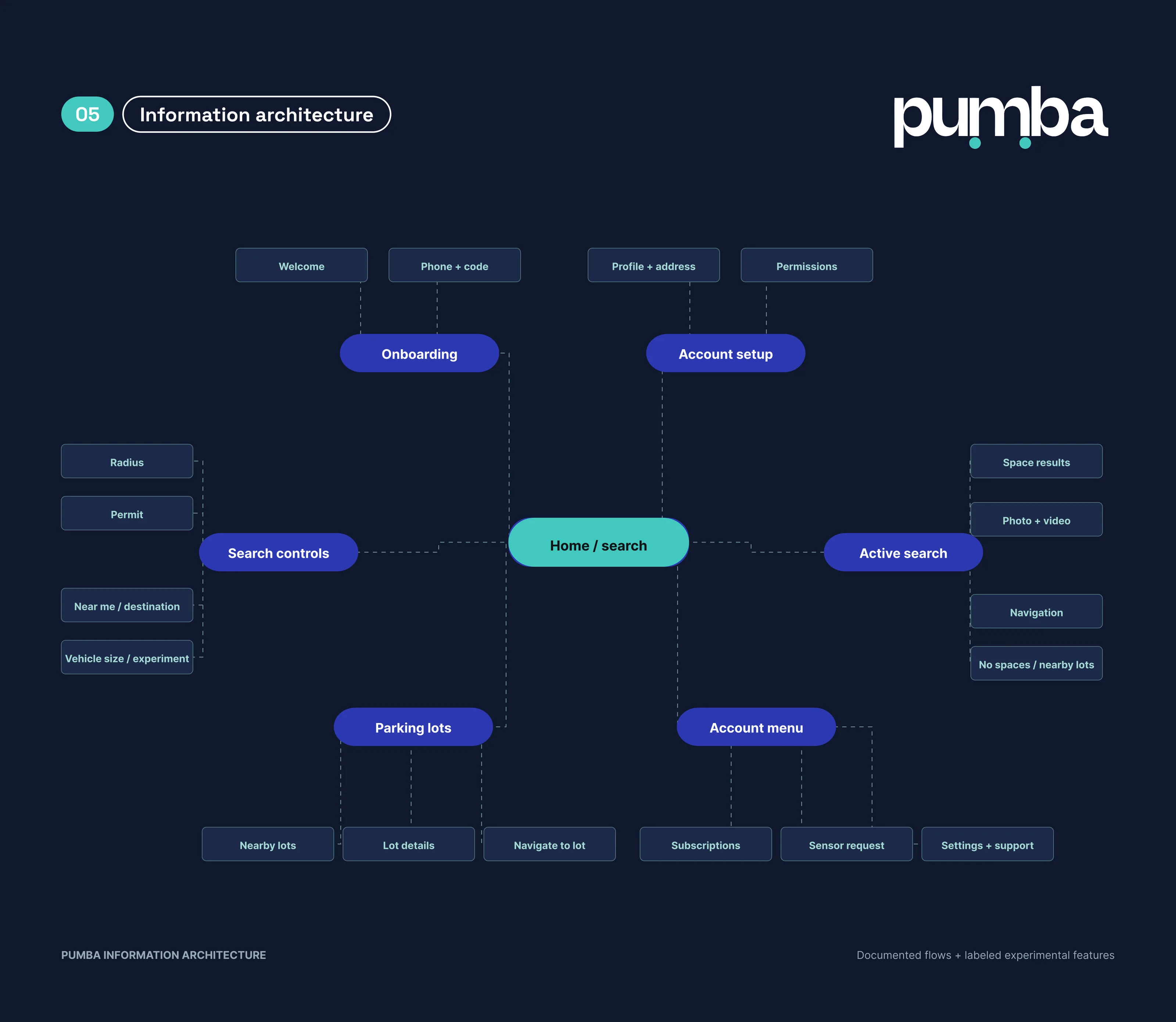
Information architecture: onboarding, account setup, search controls, active search, parking lots and the account menu around Home and search
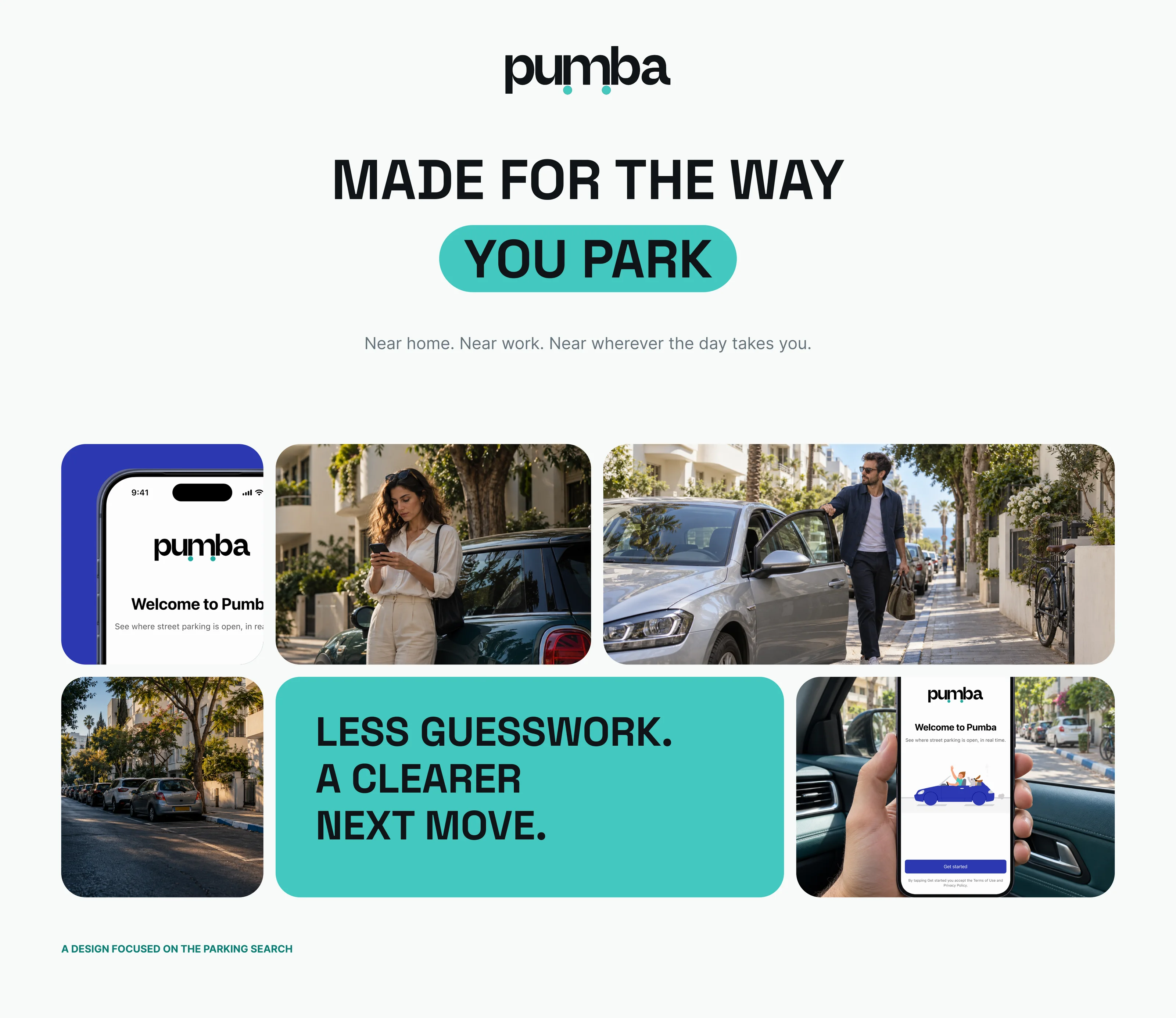
Made for the way you park: the app and street scenes of drivers in Tel Aviv
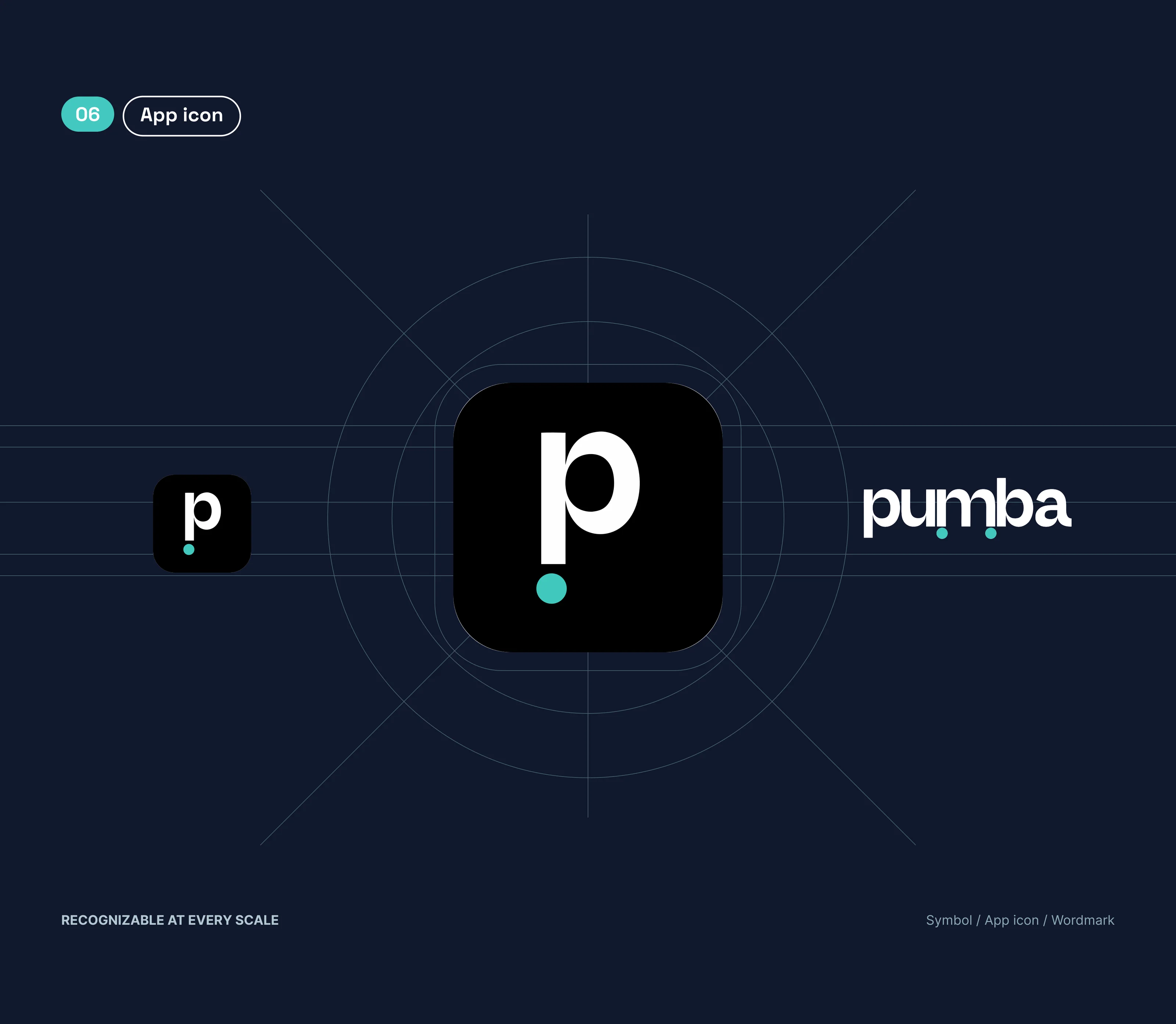
App icon: the p symbol with its teal dot, the icon at two sizes and the wordmark
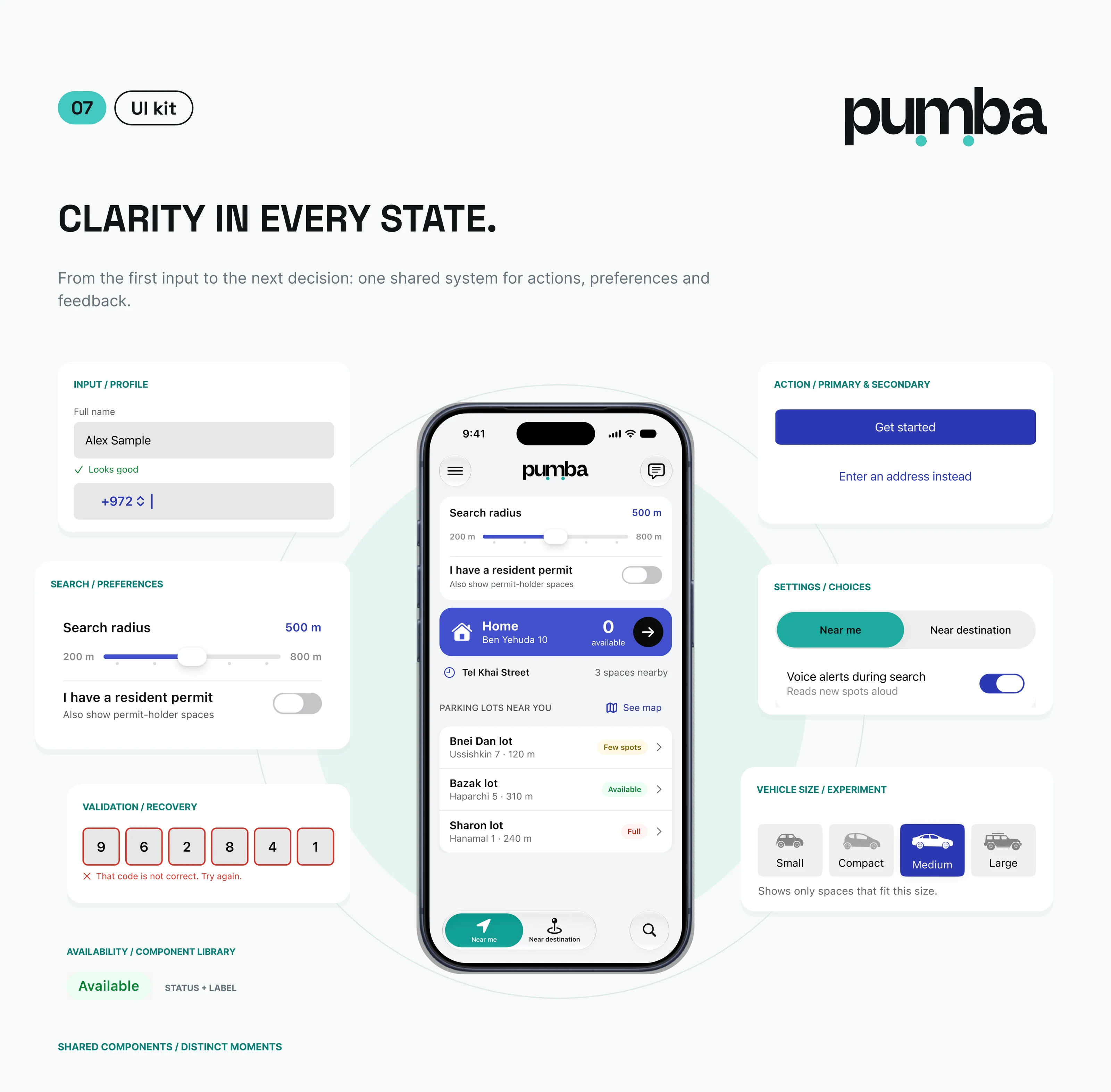
UI kit: inputs, search controls, validation, status labels, buttons, choices and vehicle size
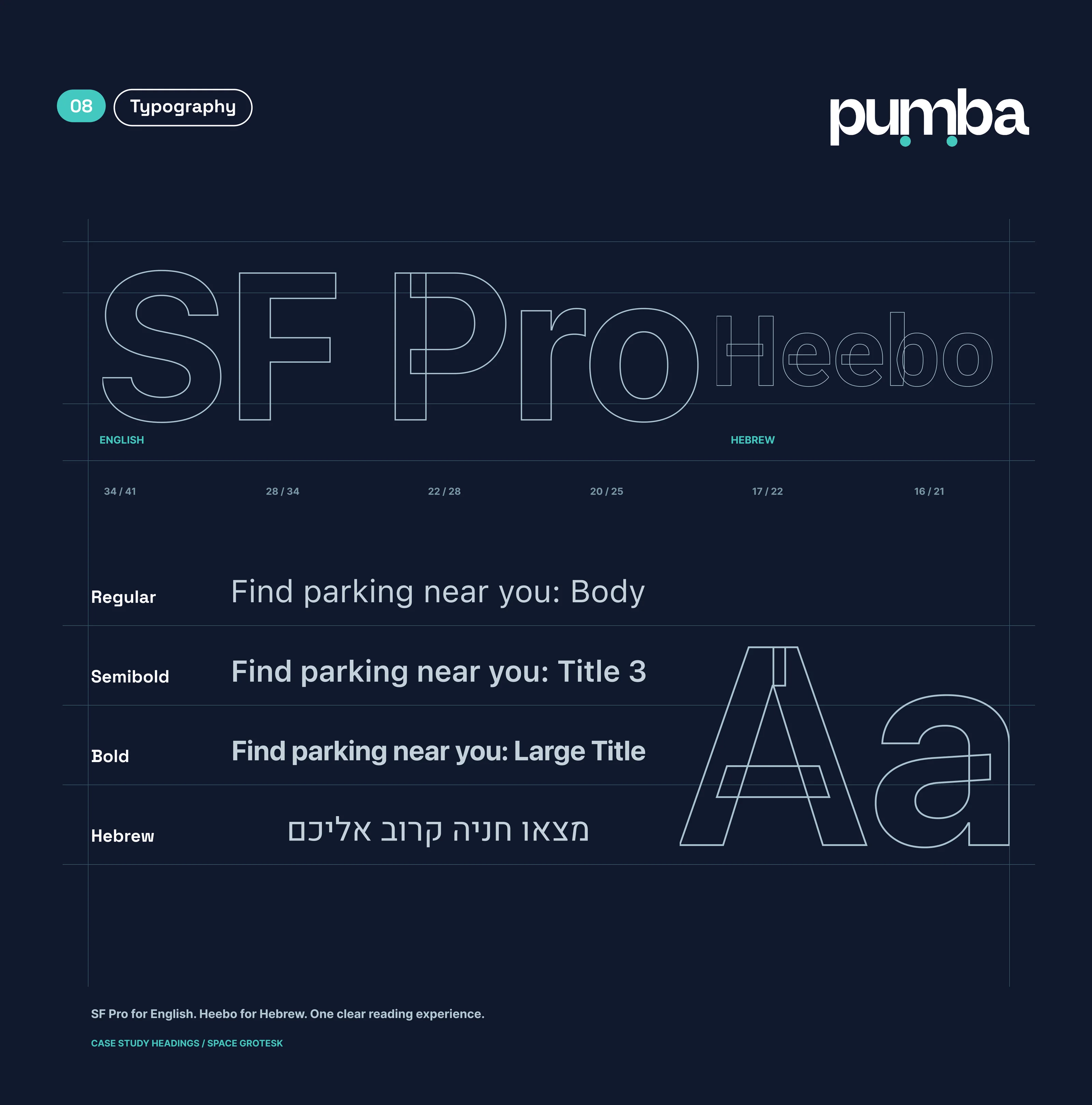
Typography: SF Pro for English and Heebo for Hebrew, with the text styles
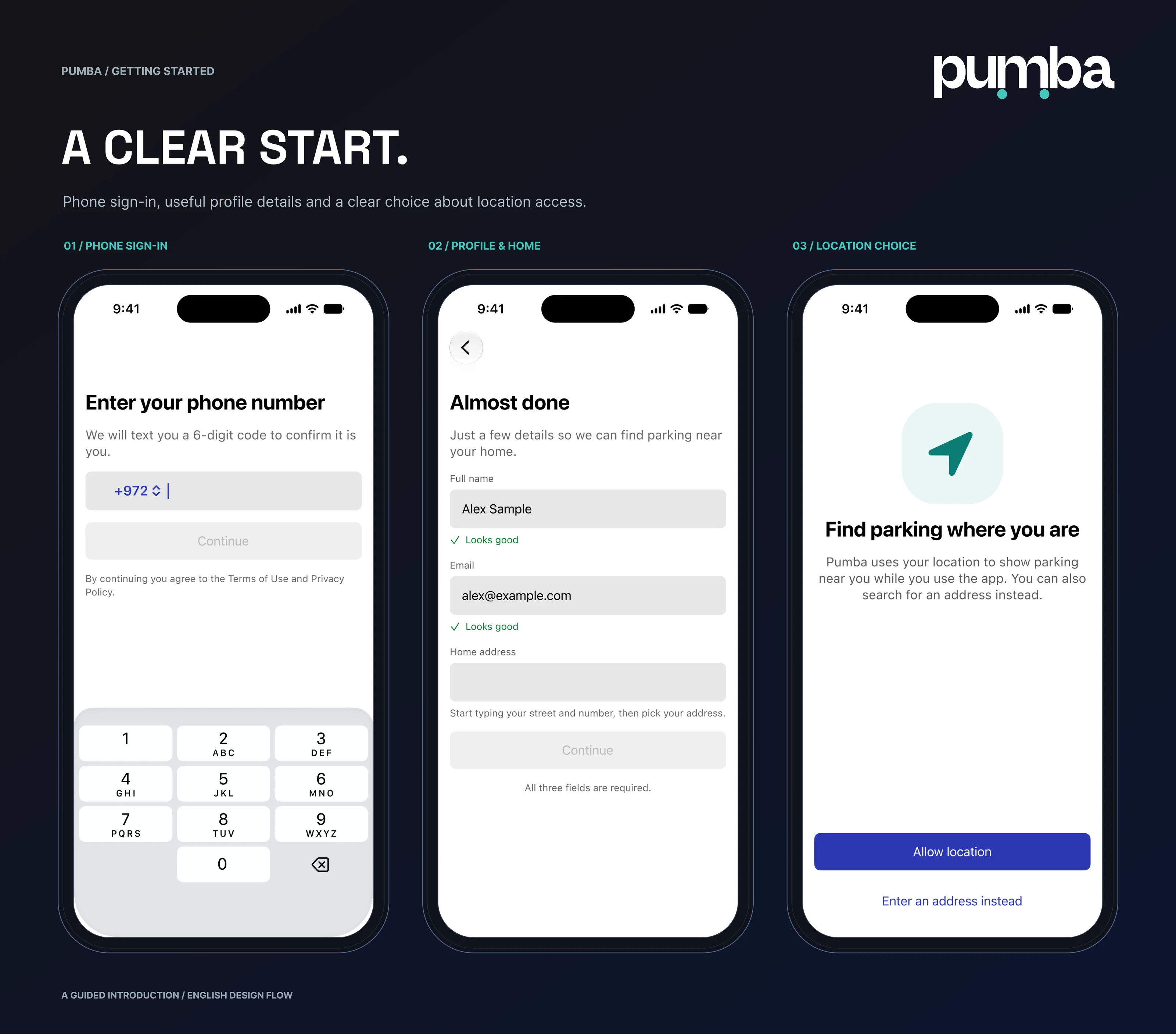
Getting started: phone sign-in, profile and home address, and the location choice
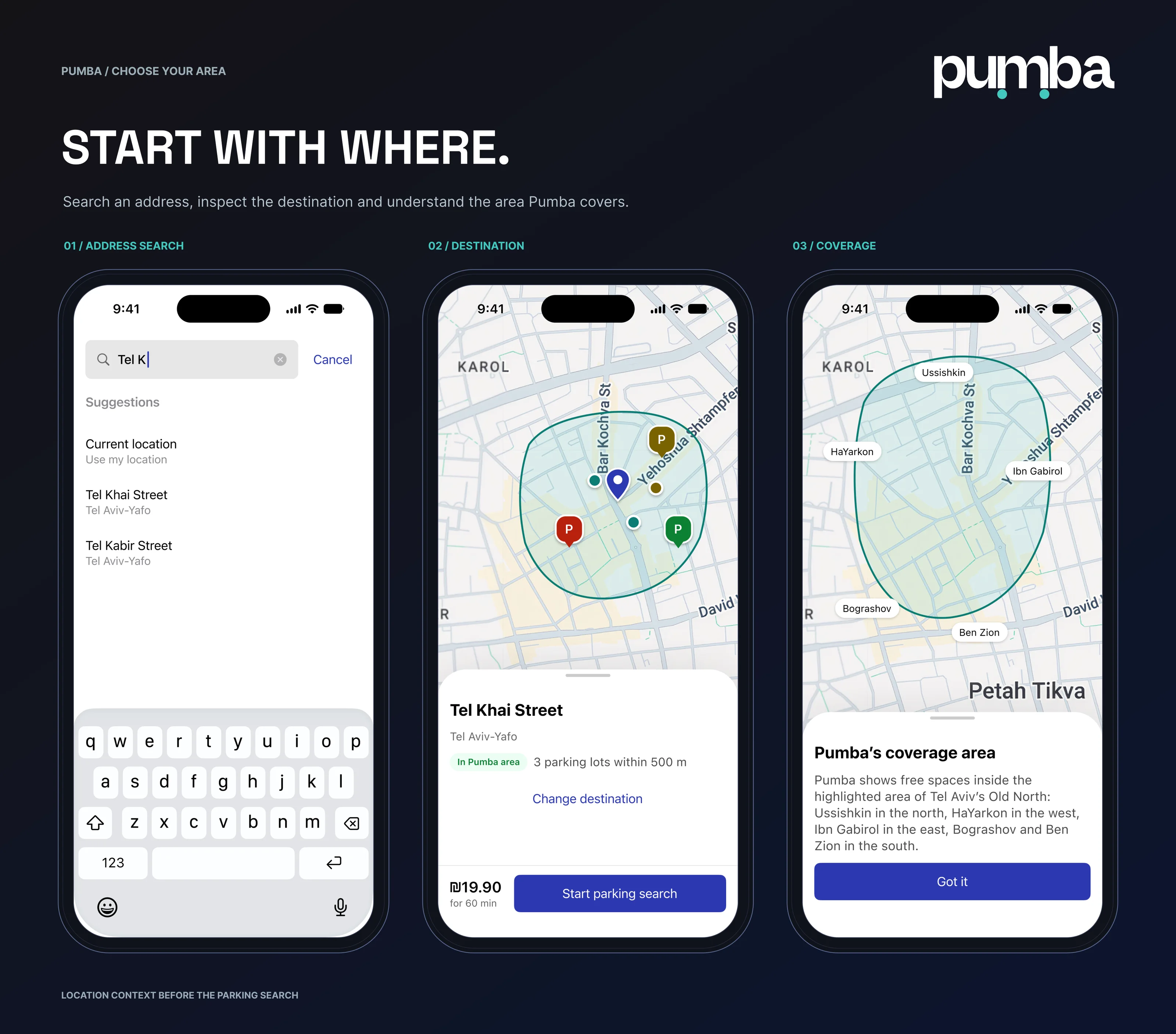
Choose your area: address search, the destination with nearby lots, and Pumba's coverage area
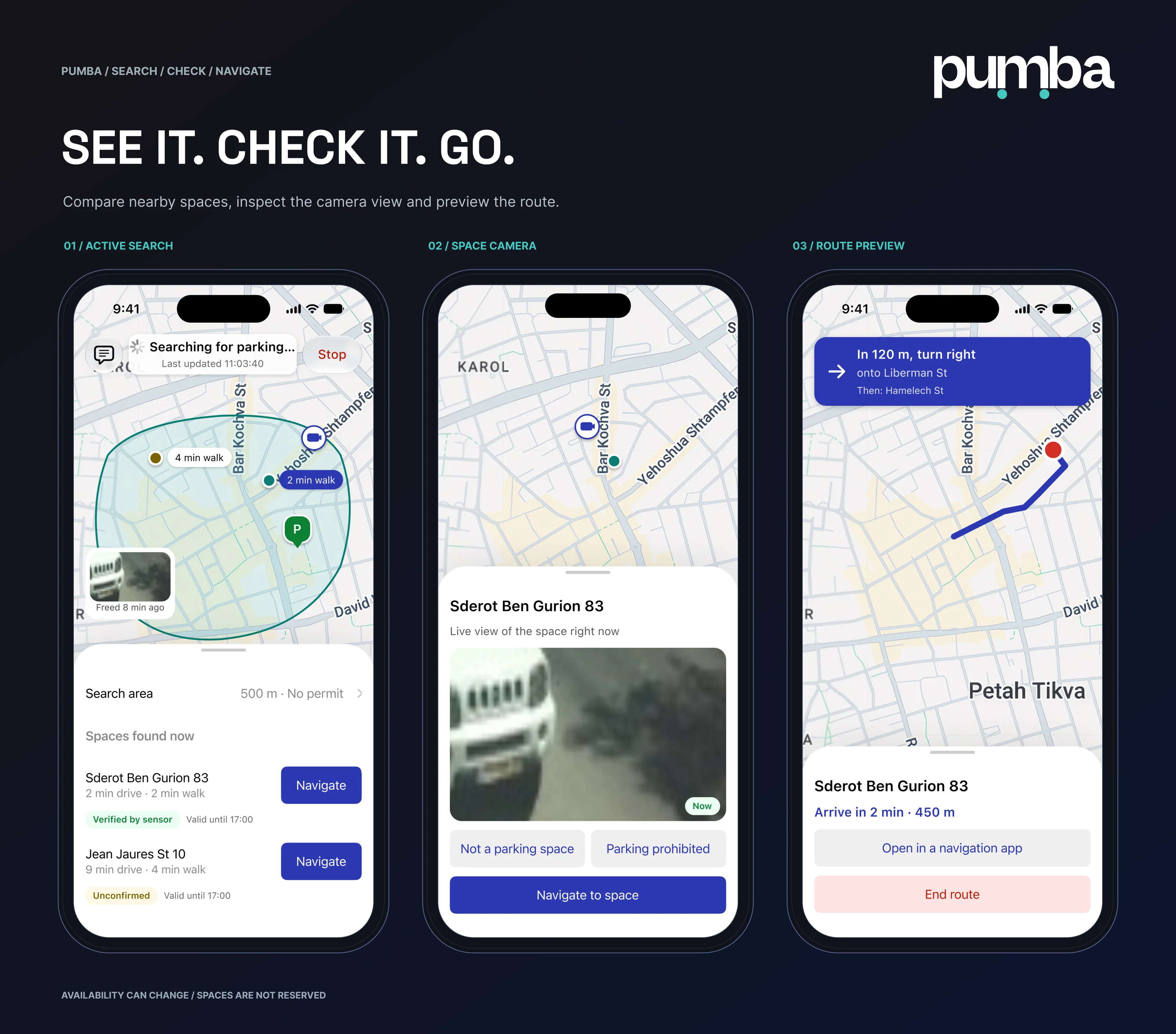
Search, check, navigate: the active search, the space camera and the route preview
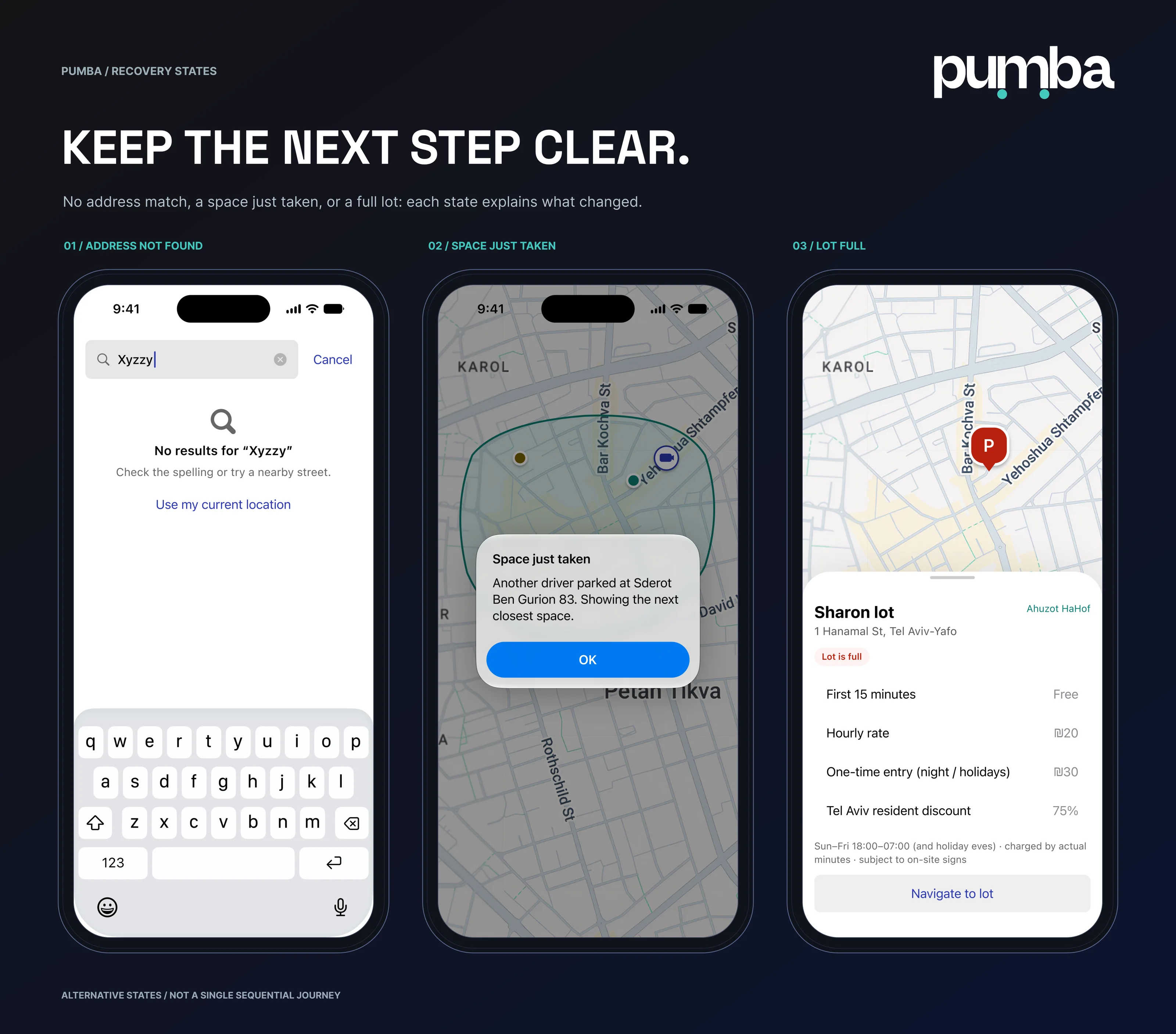
Recovery states: address not found, space just taken and lot full
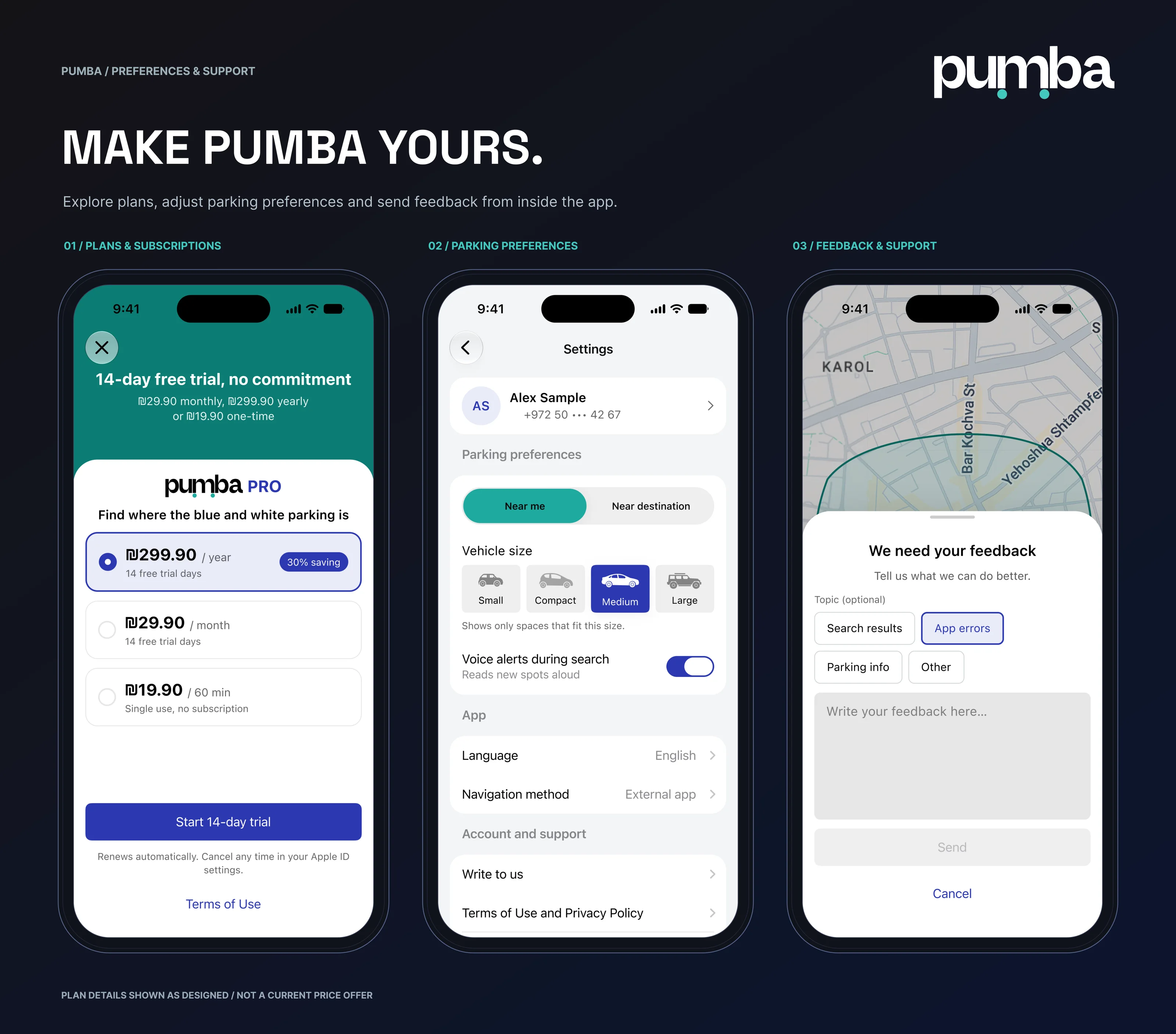
Make Pumba yours: plans and subscriptions, parking preferences, and feedback and support
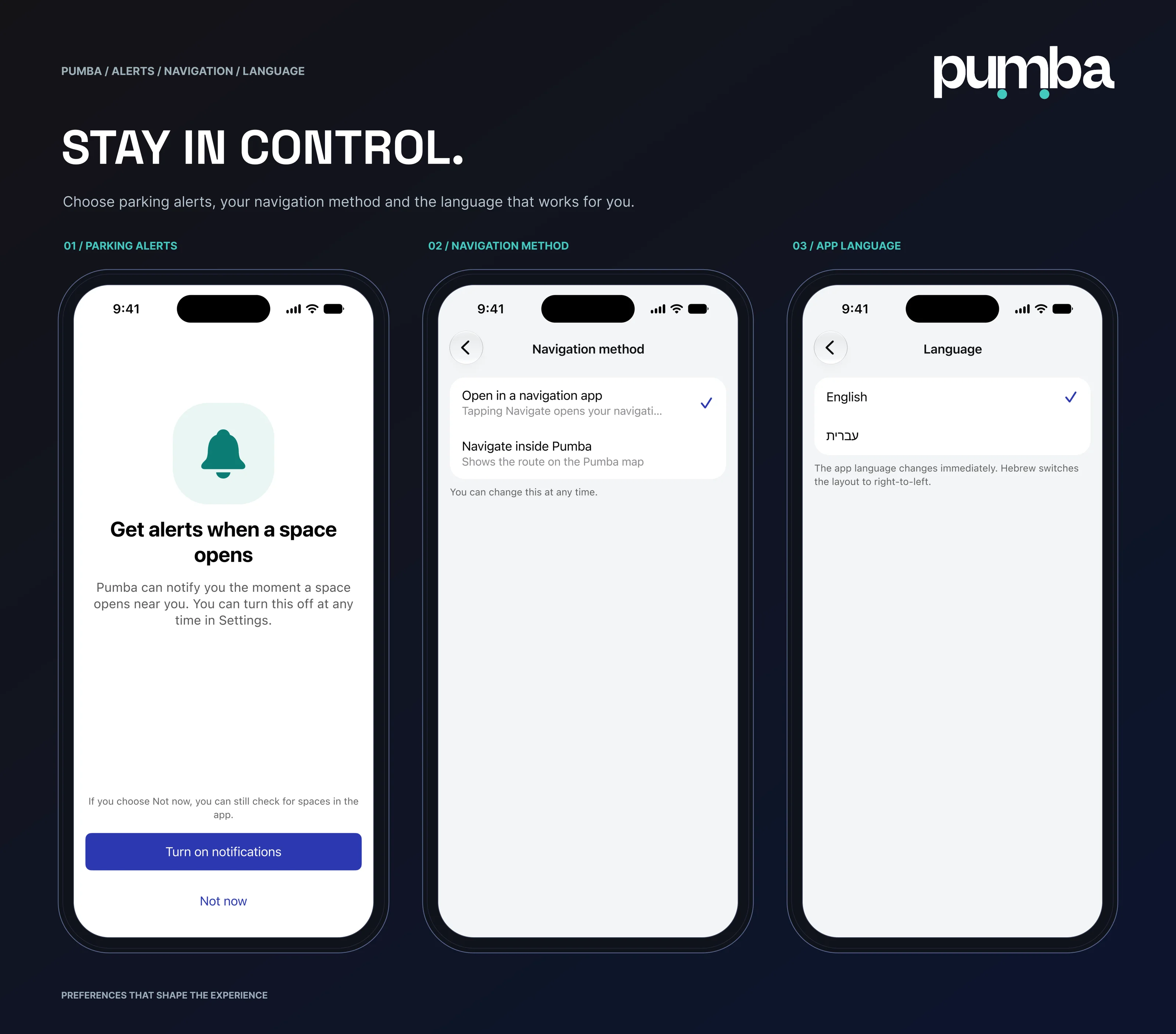
Stay in control: parking alerts, navigation method and app language
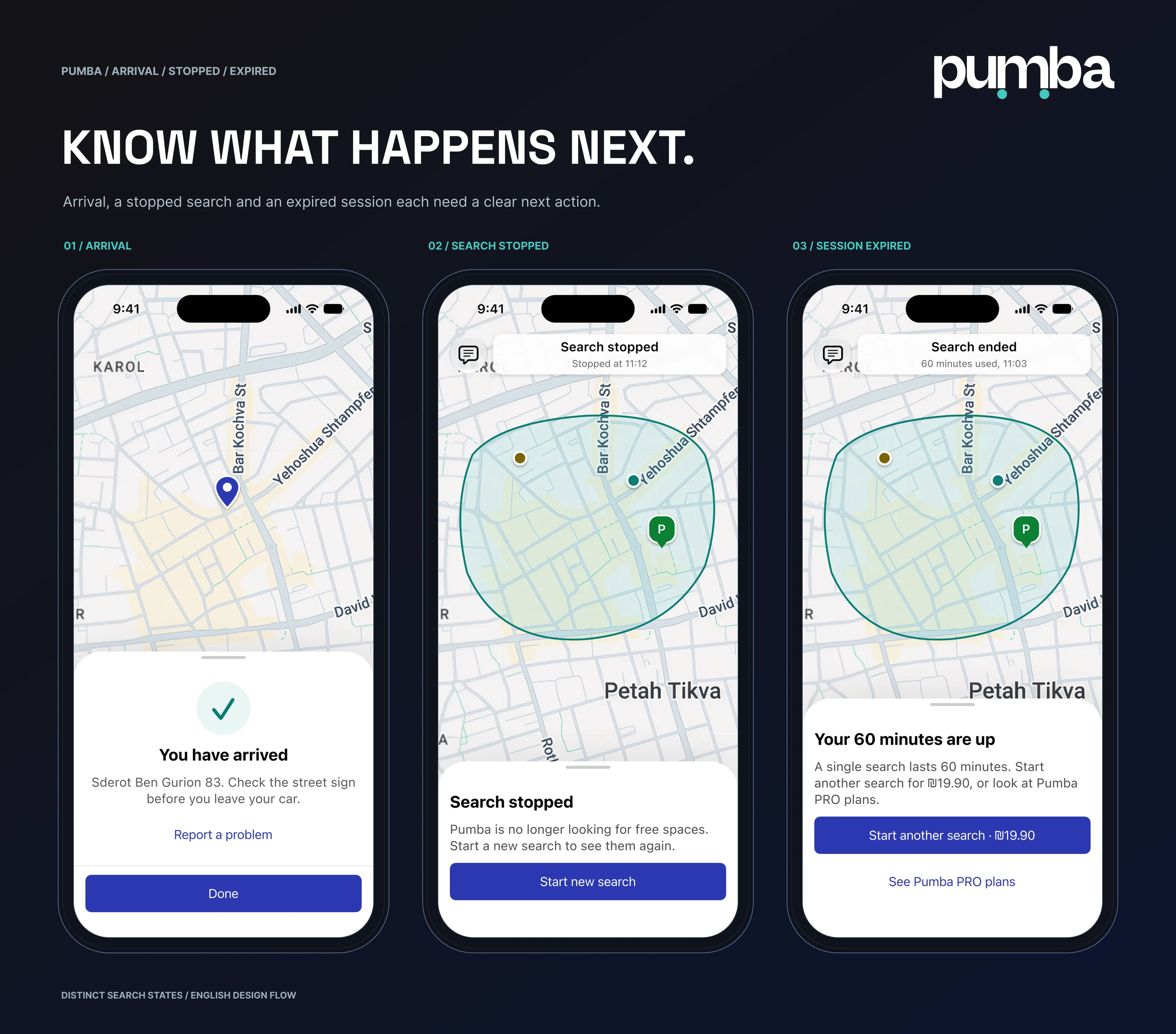
Know what happens next: arrival, search stopped and session expired
A clearer way to find your next space: the welcome and home screens, and the portfolio address