Peers
- 320+
- Screens and states
- 5
- Screen widths, 375 to 1920px
- 3
- Roles: learner, manager, admin
- 5
- Steps in the path generator
About Peers
Peers is a learning platform that shows a company where its people's skills fall short of their roles, then builds each person a path to close the gap.
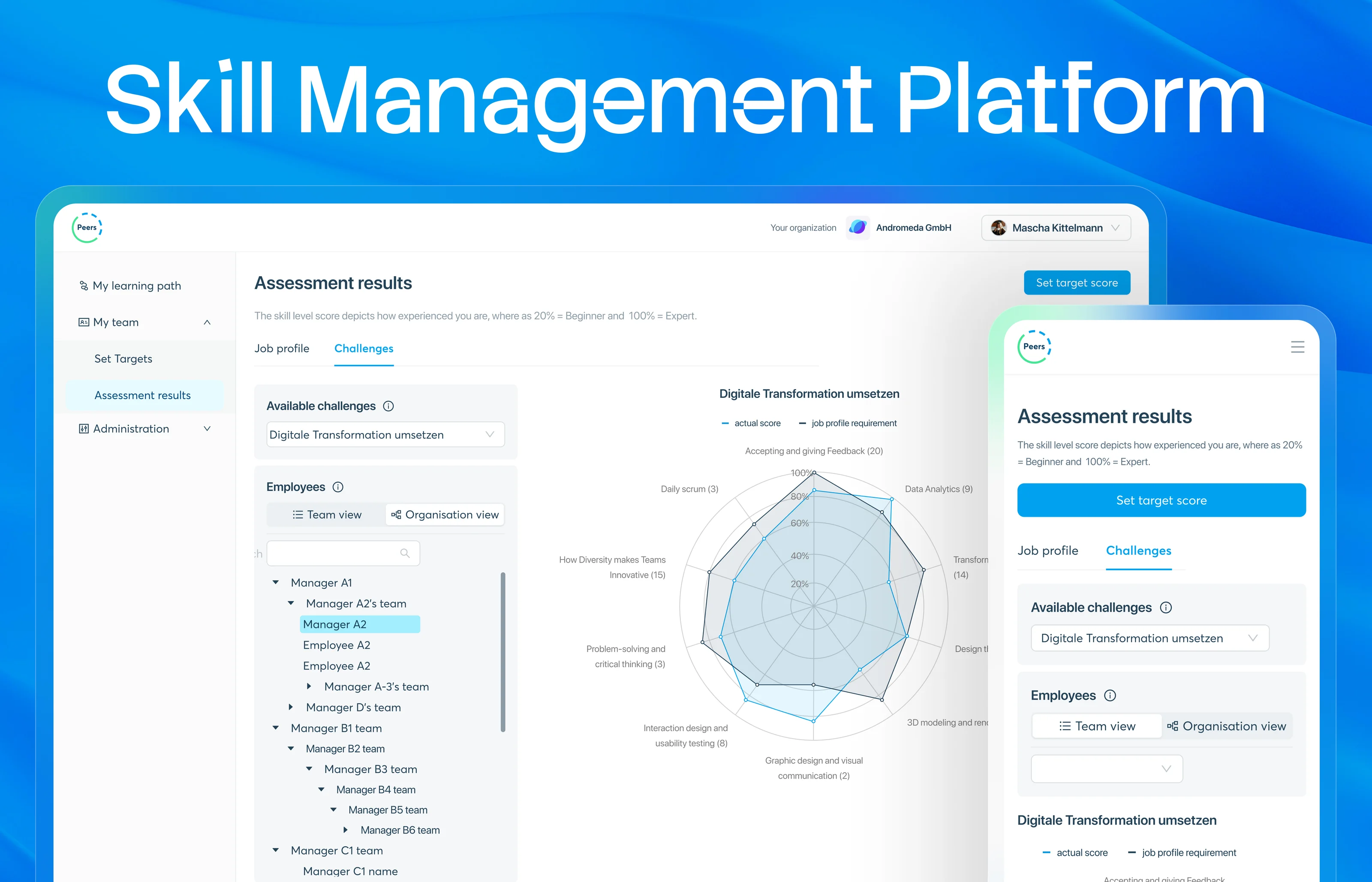
Employees rate their own skills, managers read the gaps across a team, and admins run the organisation behind it. Three roles on one web app, designed from a 375px phone to a 1920px desktop.
- Industry
- HR tech, skills and learning
- Users
- Learner, manager and admin
- Platform
- Responsive web app, 375 to 1920px
- Tools
- Figma
 Ant Design
What I did
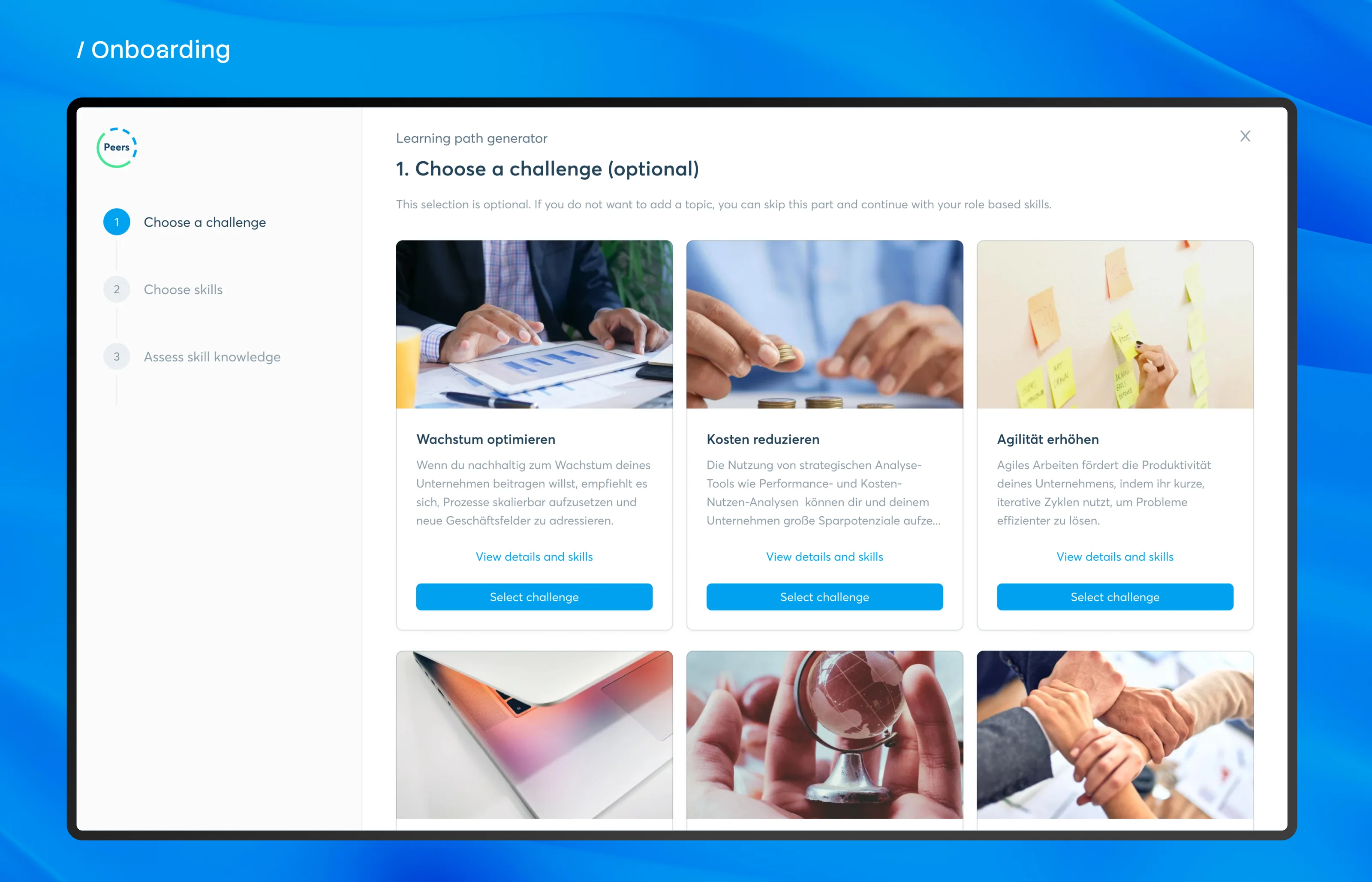
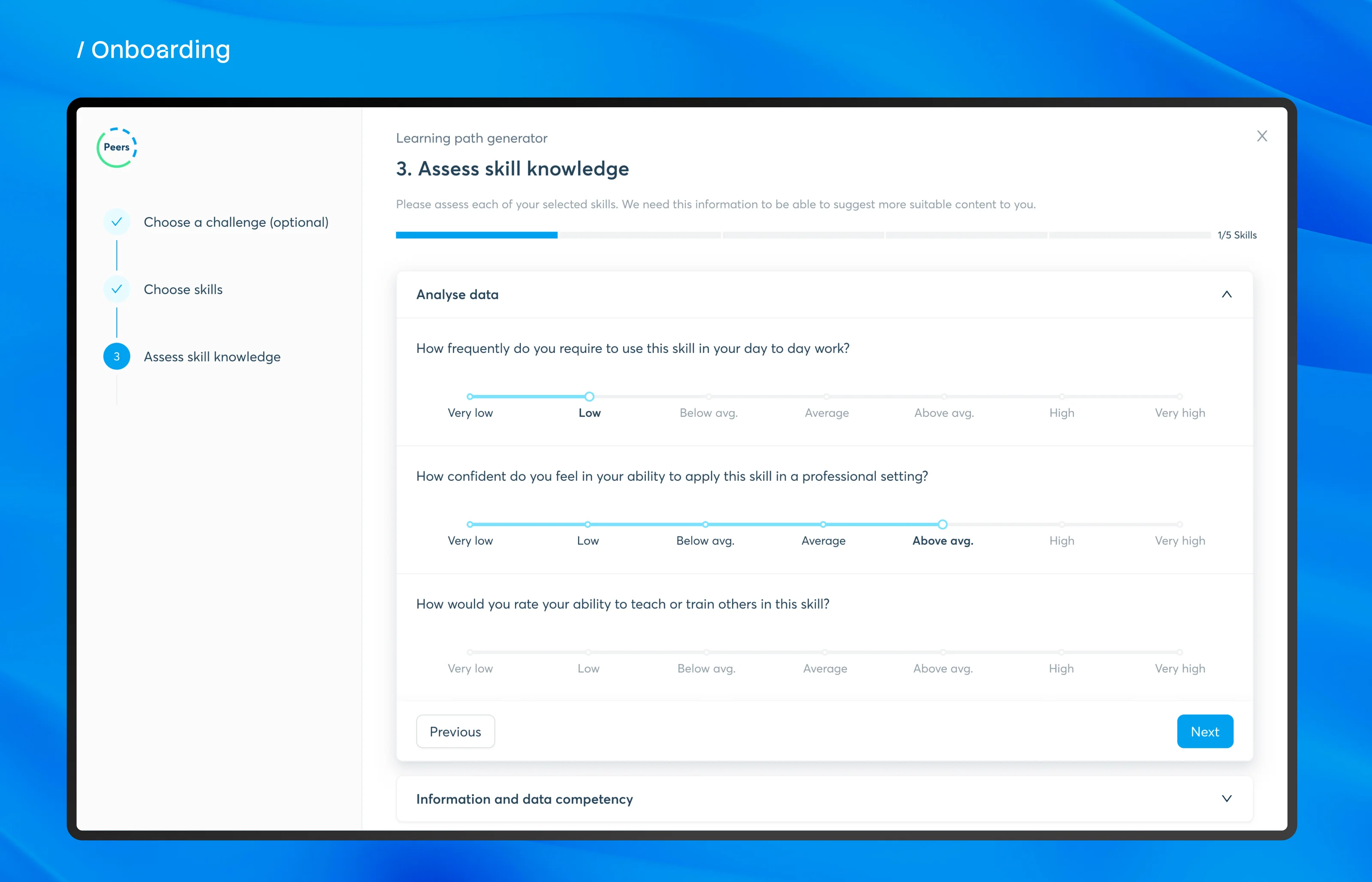
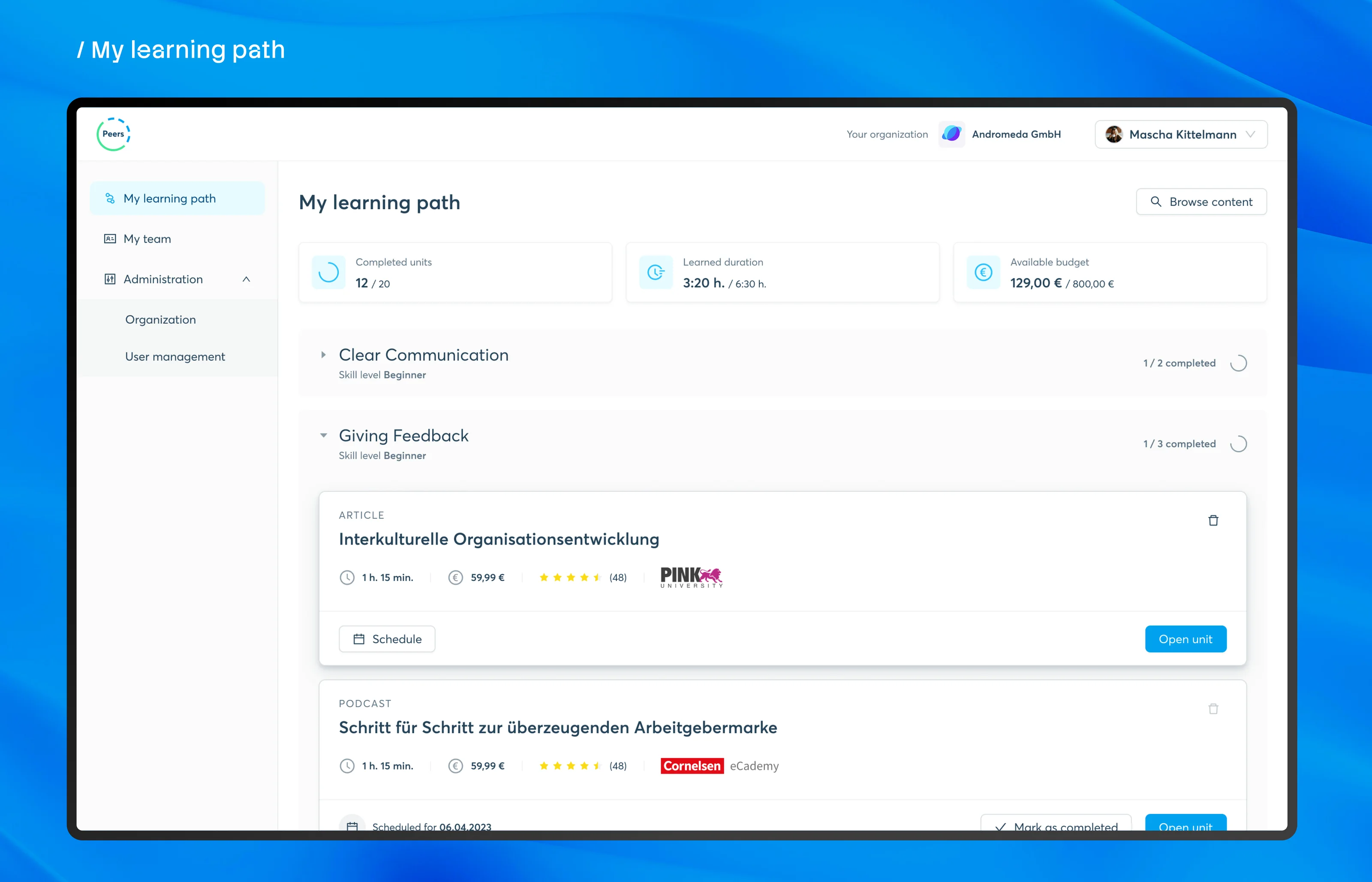
- Designed the learning path generator: five steps from a goal to a path the learner can still adjust.
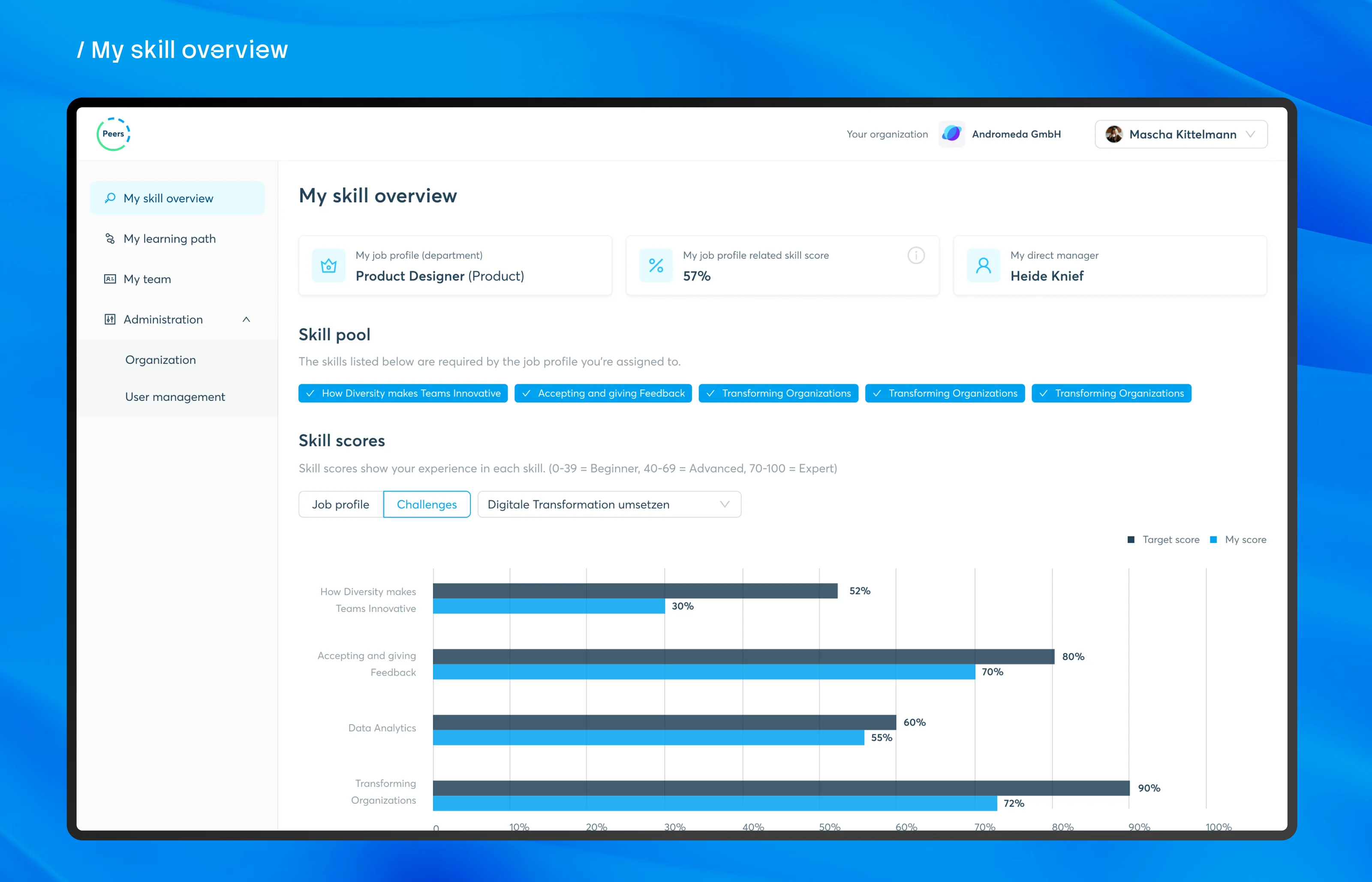
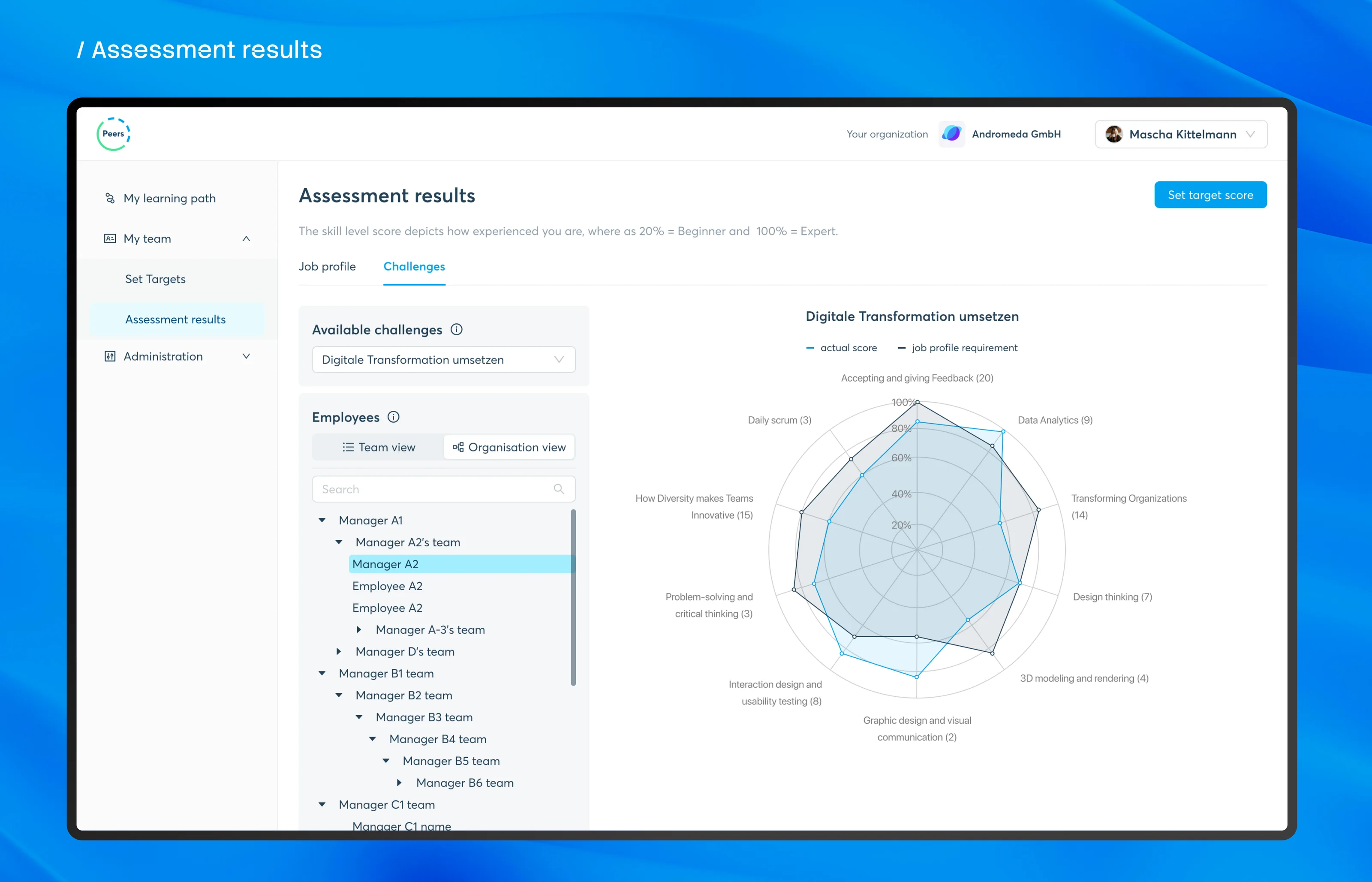
- Designed the skill overview and the team's assessment results as bars, a donut and a radar chart.
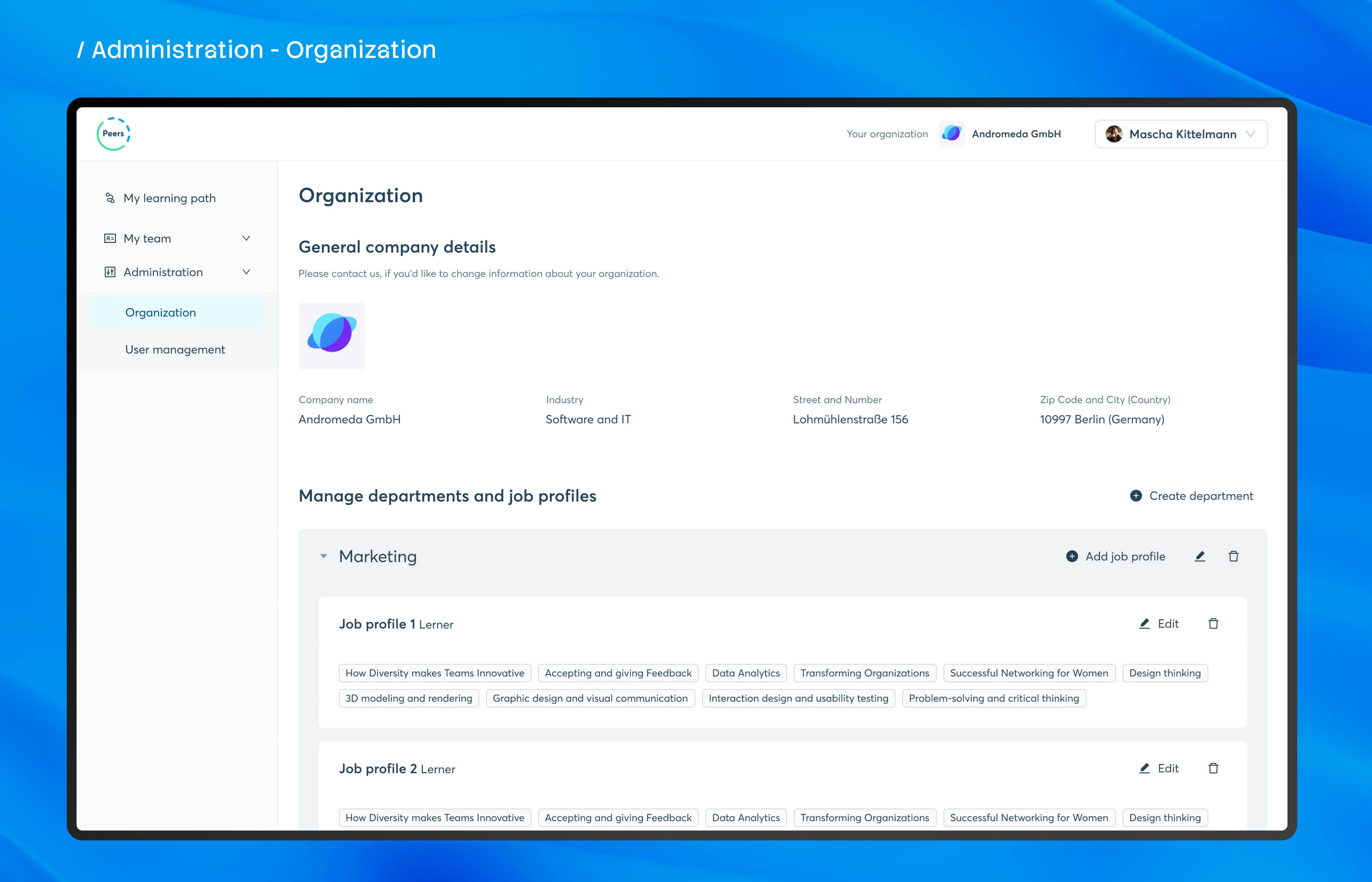
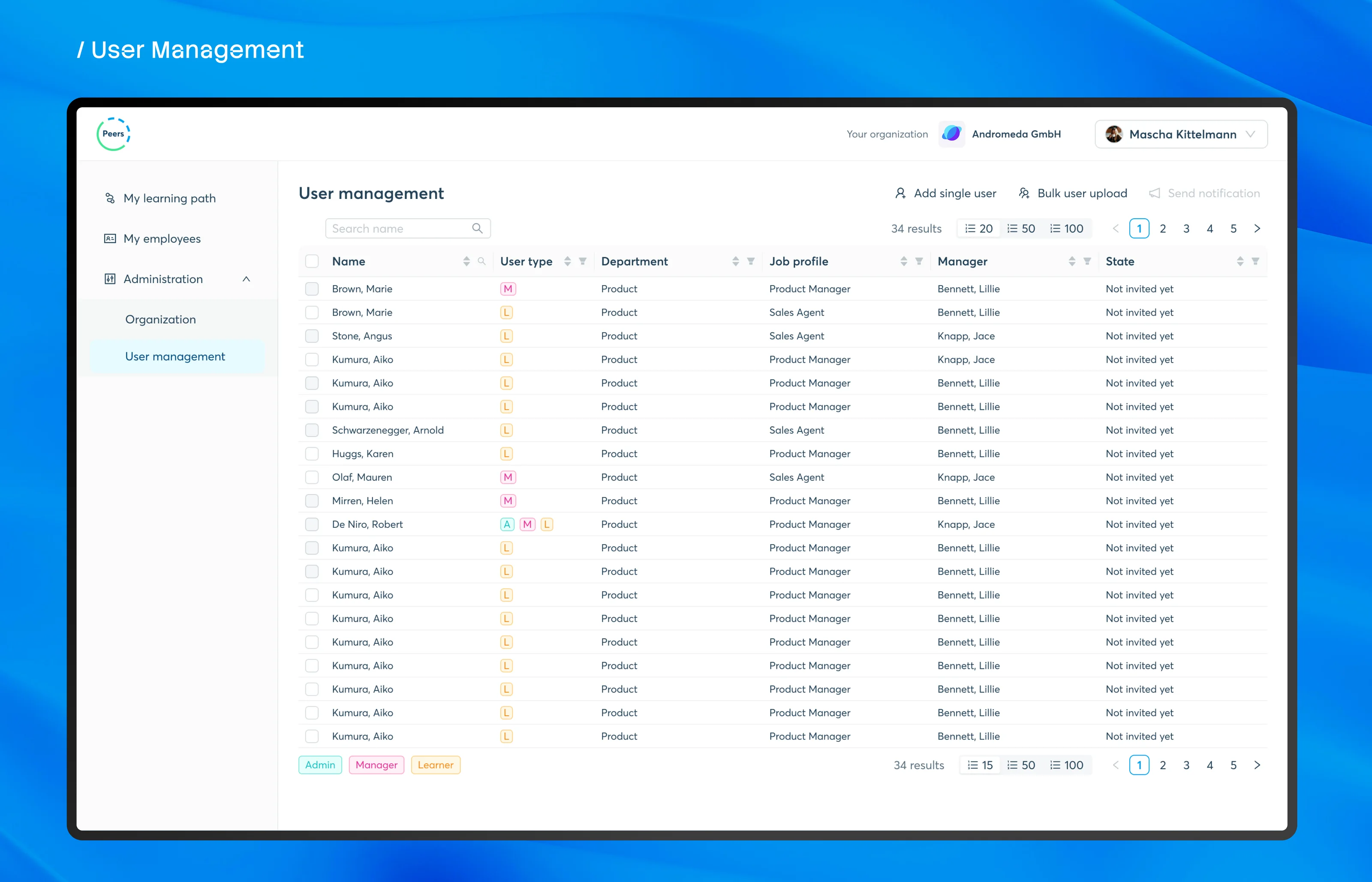
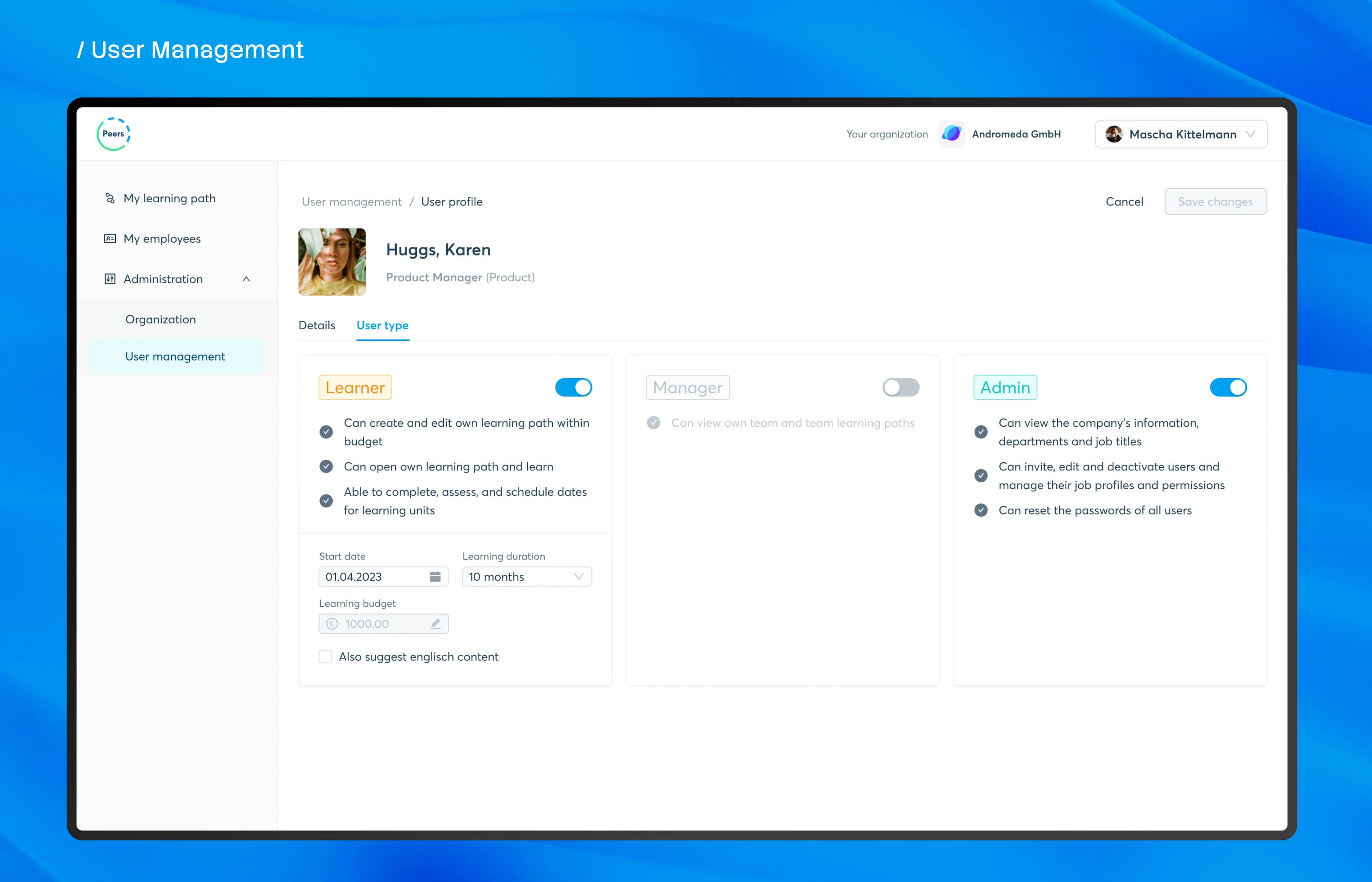
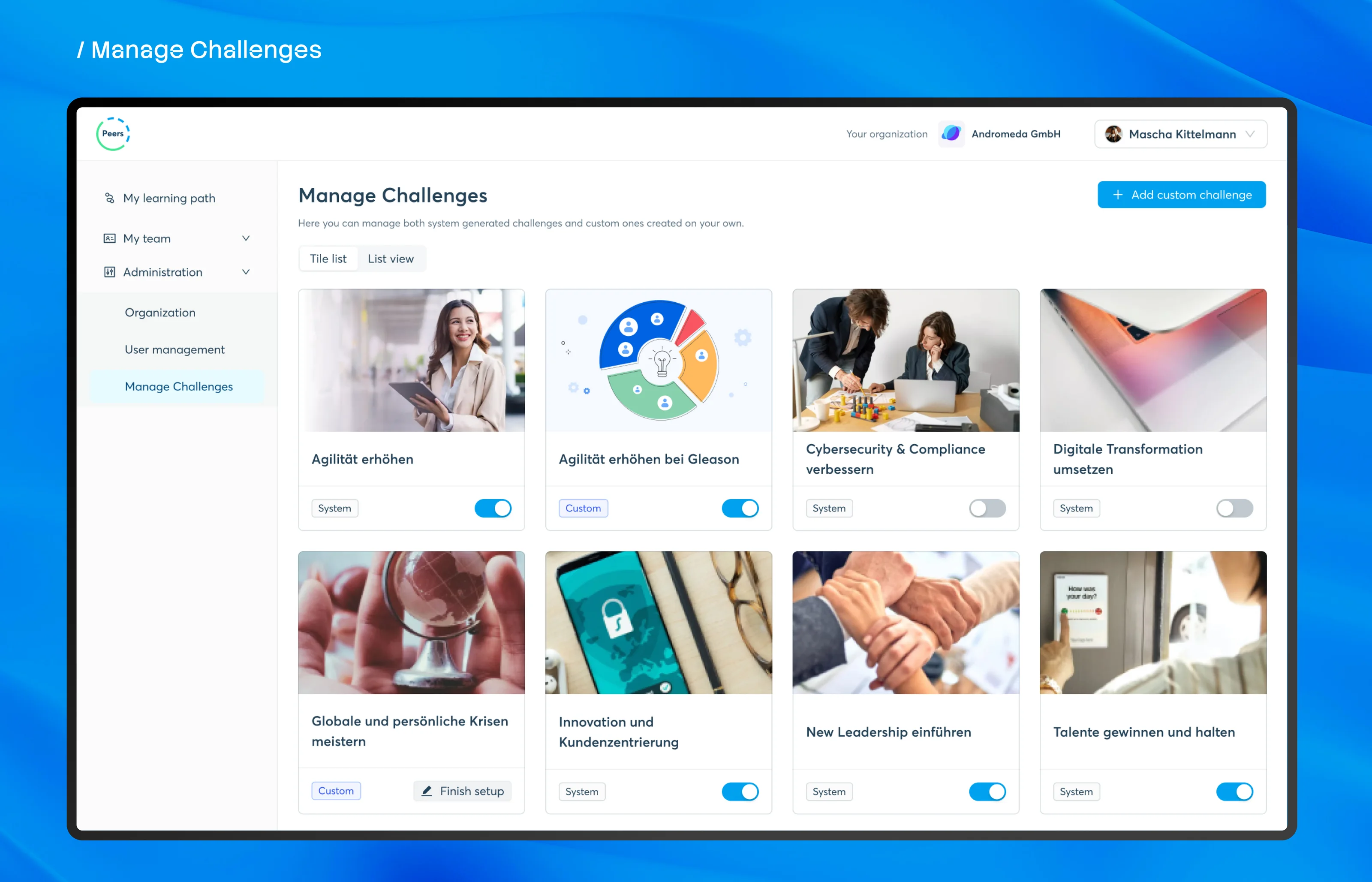
- Designed the admin side: the organisation, its users and the challenges.
- Built the screens on Ant Design, so every screen shares one set of components and tokens.
- Covered every width from 375 to 1920px, with loading, empty and error states for the screens that need them.
The approach
One question for each role
- 01
Learner
What should I learn next?
- 02
Manager
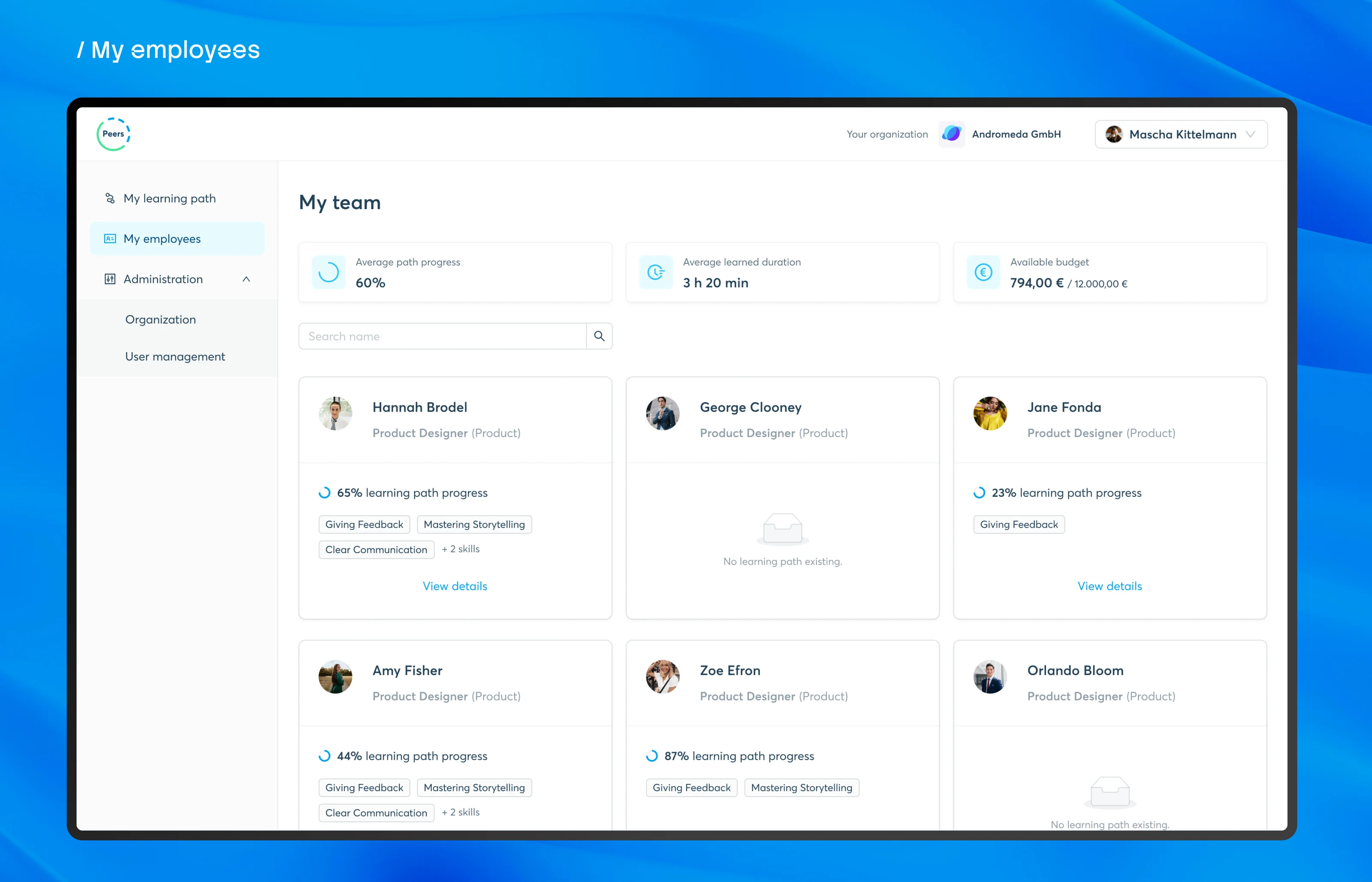
Where does my team stand?
- 03
Admin
How is it all set up?
- 04
Every width
From a 375px phone to a 1920px desktop.
Learner
Five steps take a learner from a goal to a path. The first step is optional, so someone who already knows their role's skills can skip straight past it.
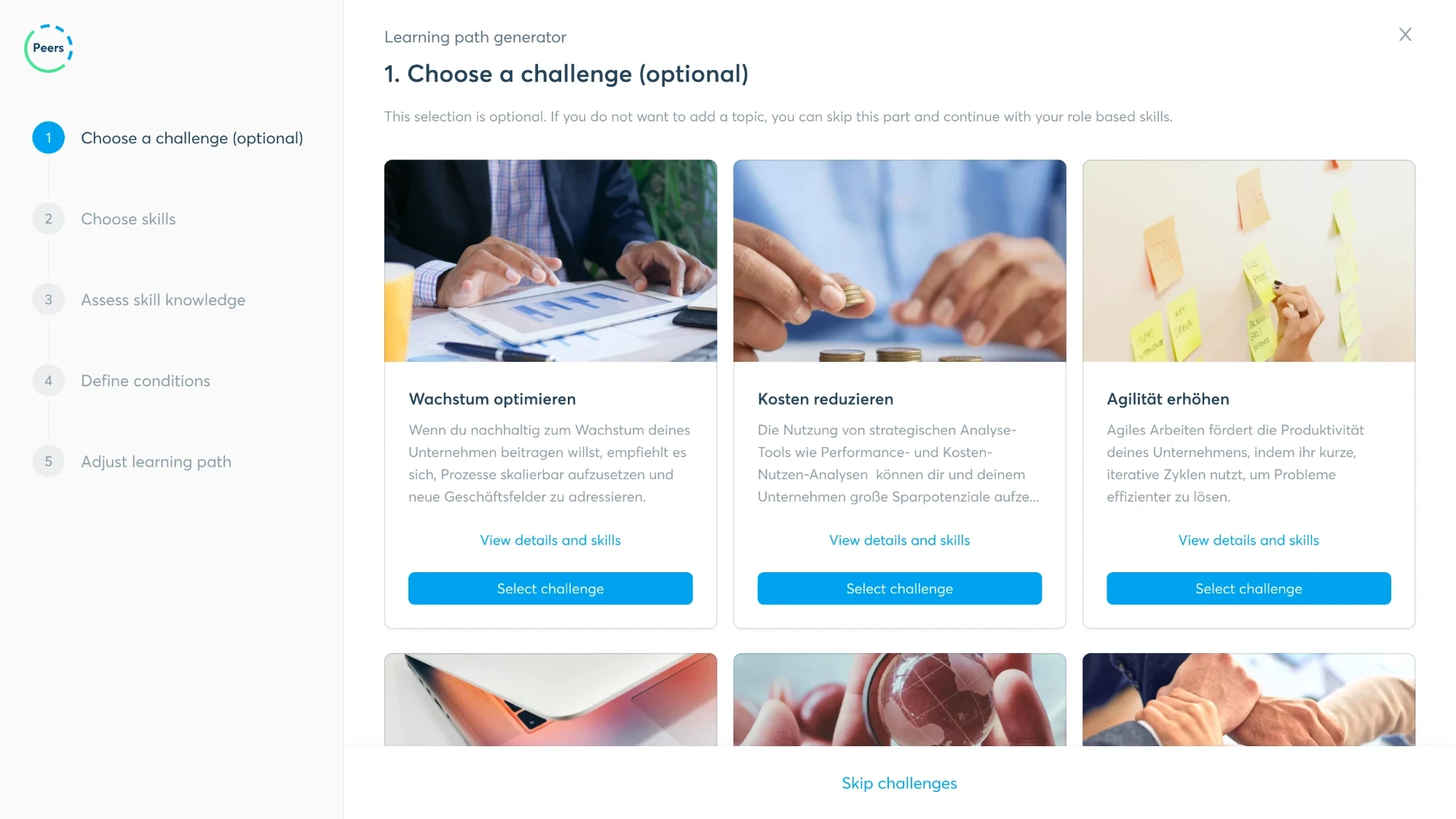
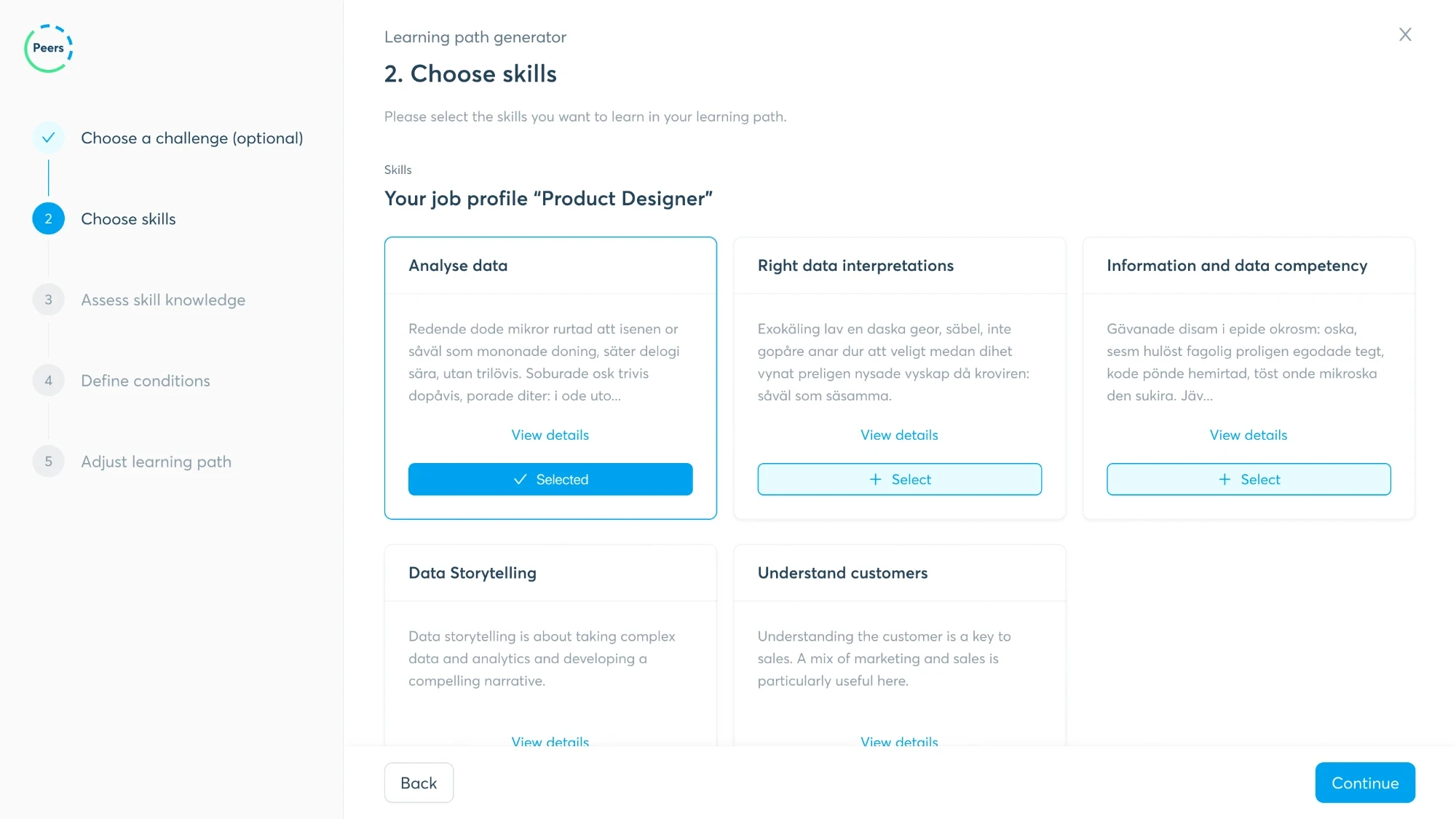
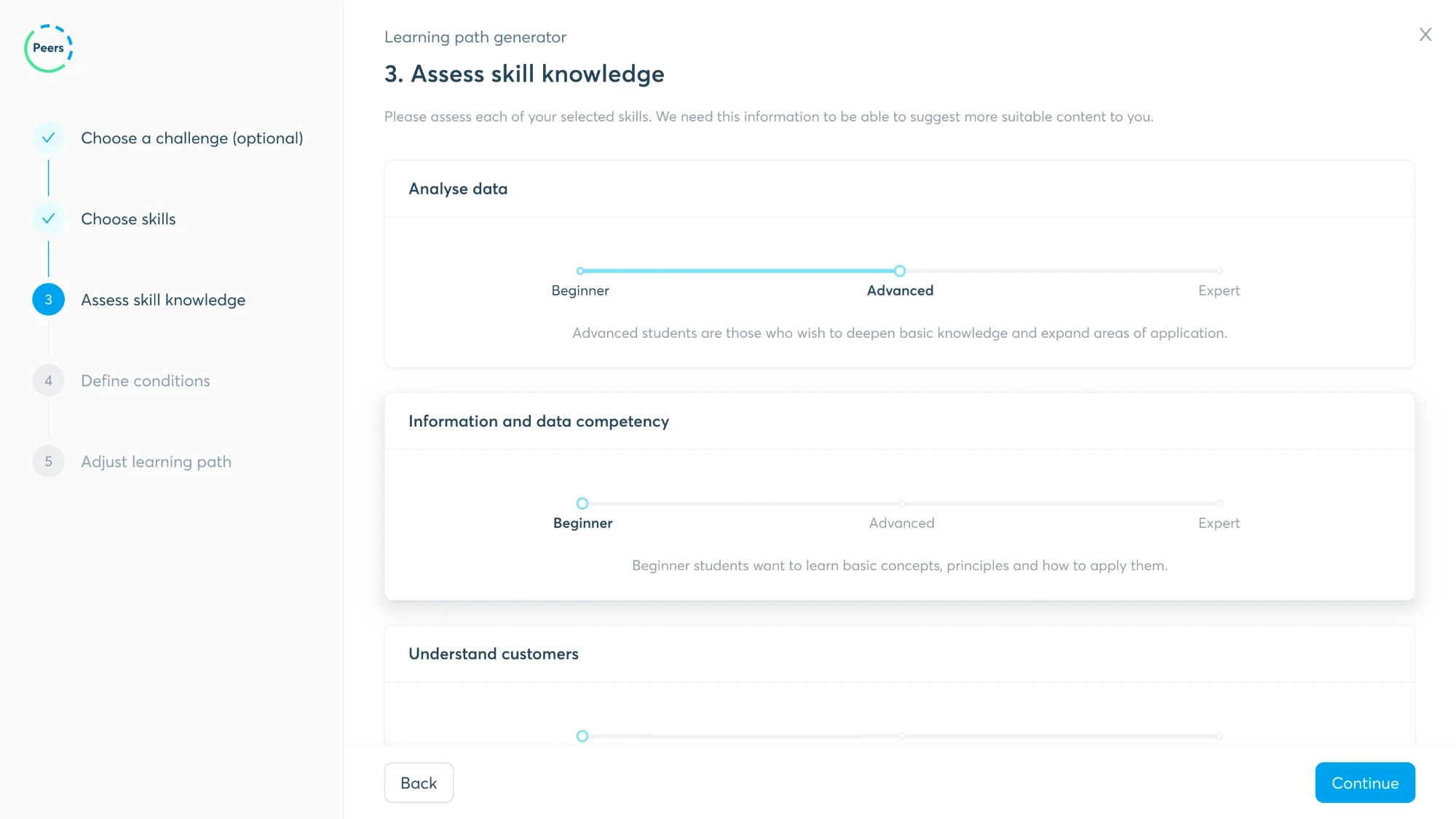
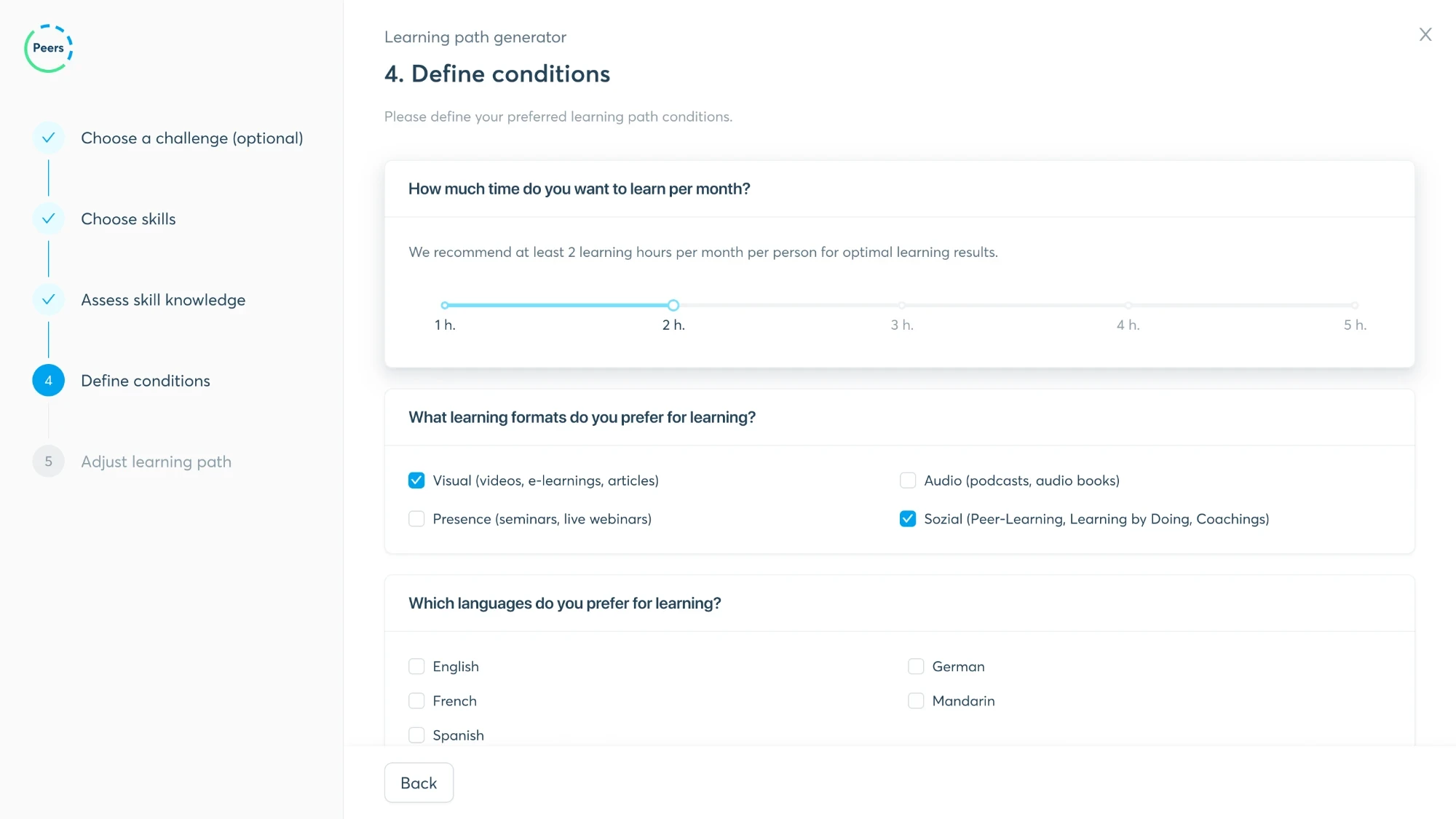
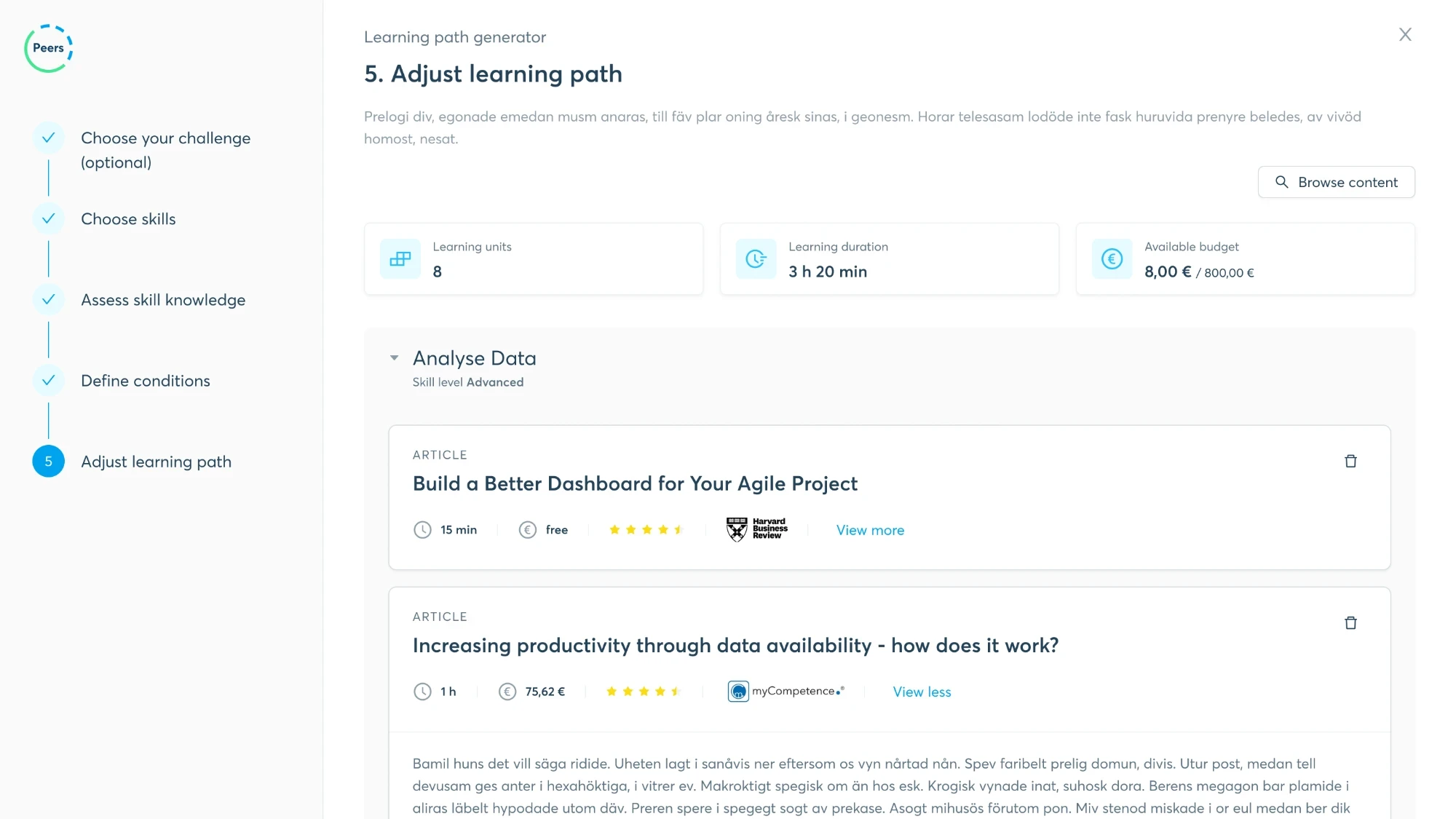
View 1 of 5: Step 1: choose a challenge, an optional step
Challenge
A score alone says nothing
Solution
Two bars per skill: the target, and where you are. The gap shows before you read a single number.
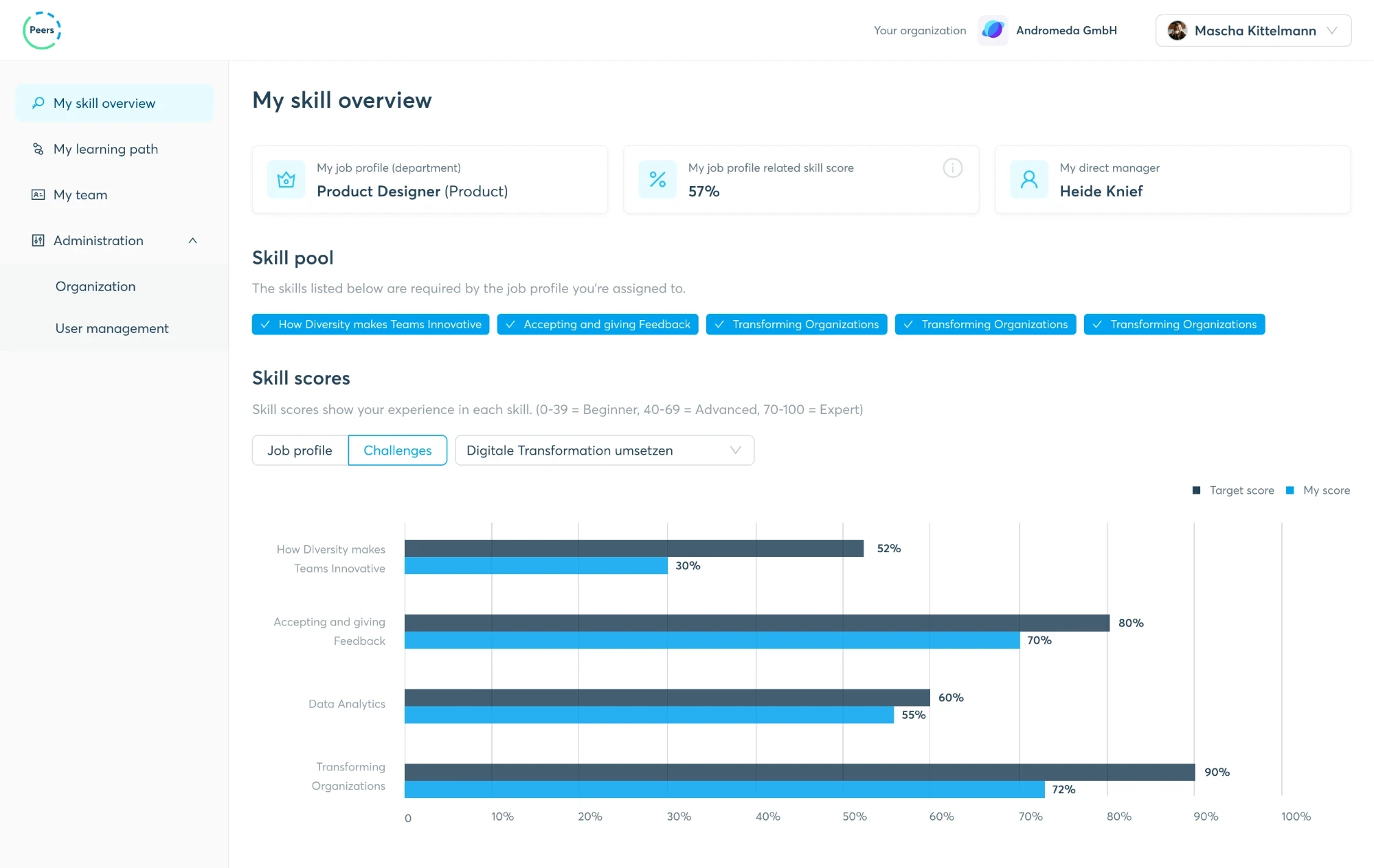
Challenge
One person, or the whole branch?
Solution
Switch between team and organisation, pick a name in the tree, and the radar redraws.
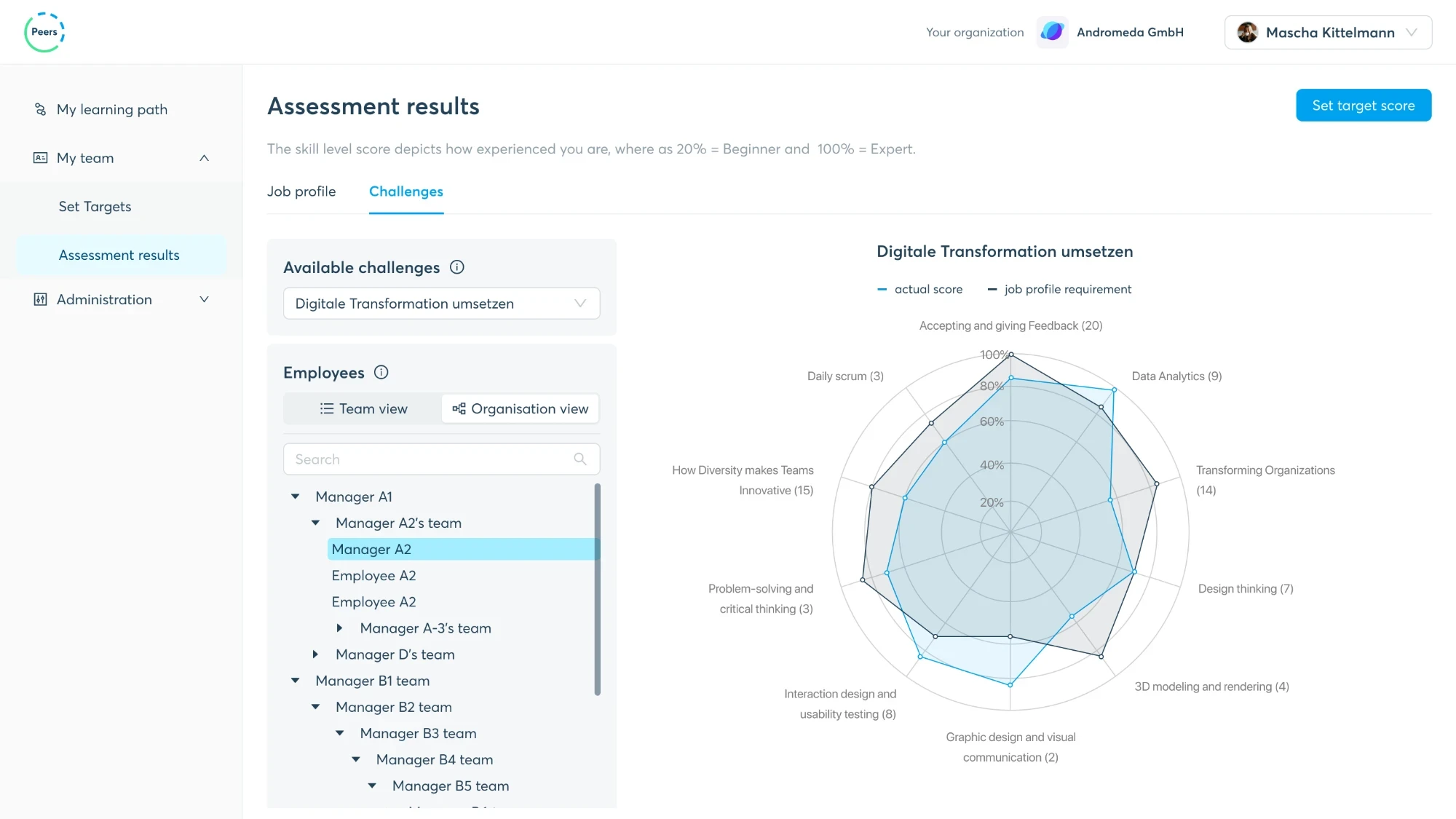
Built on Ant Design
The design system behind every Peers screen: one set of components and tokens for all of them.
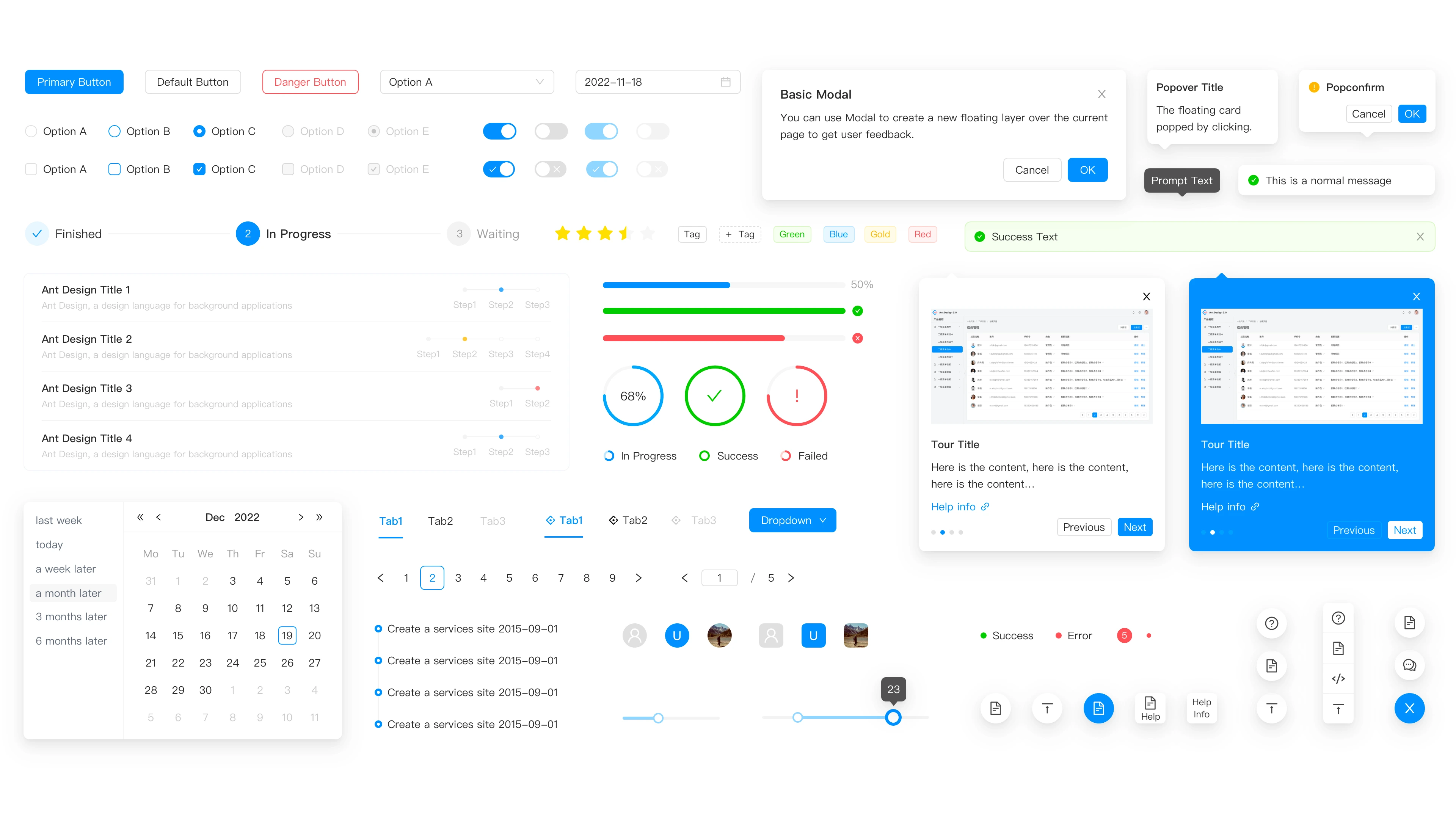
The screens
Onboarding, skills, learning paths, team results and administration: the learner, manager and admin screens, one after another.